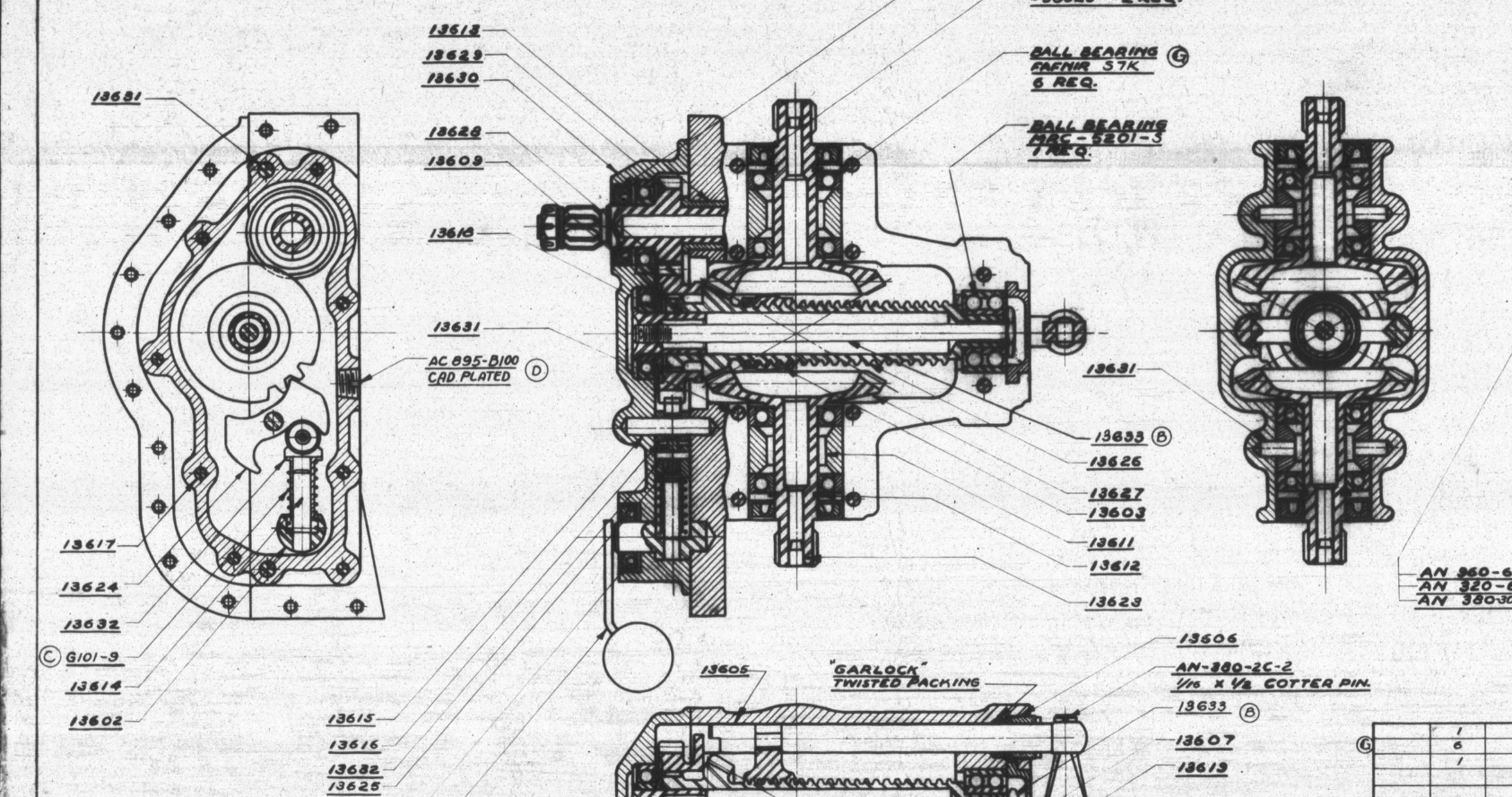
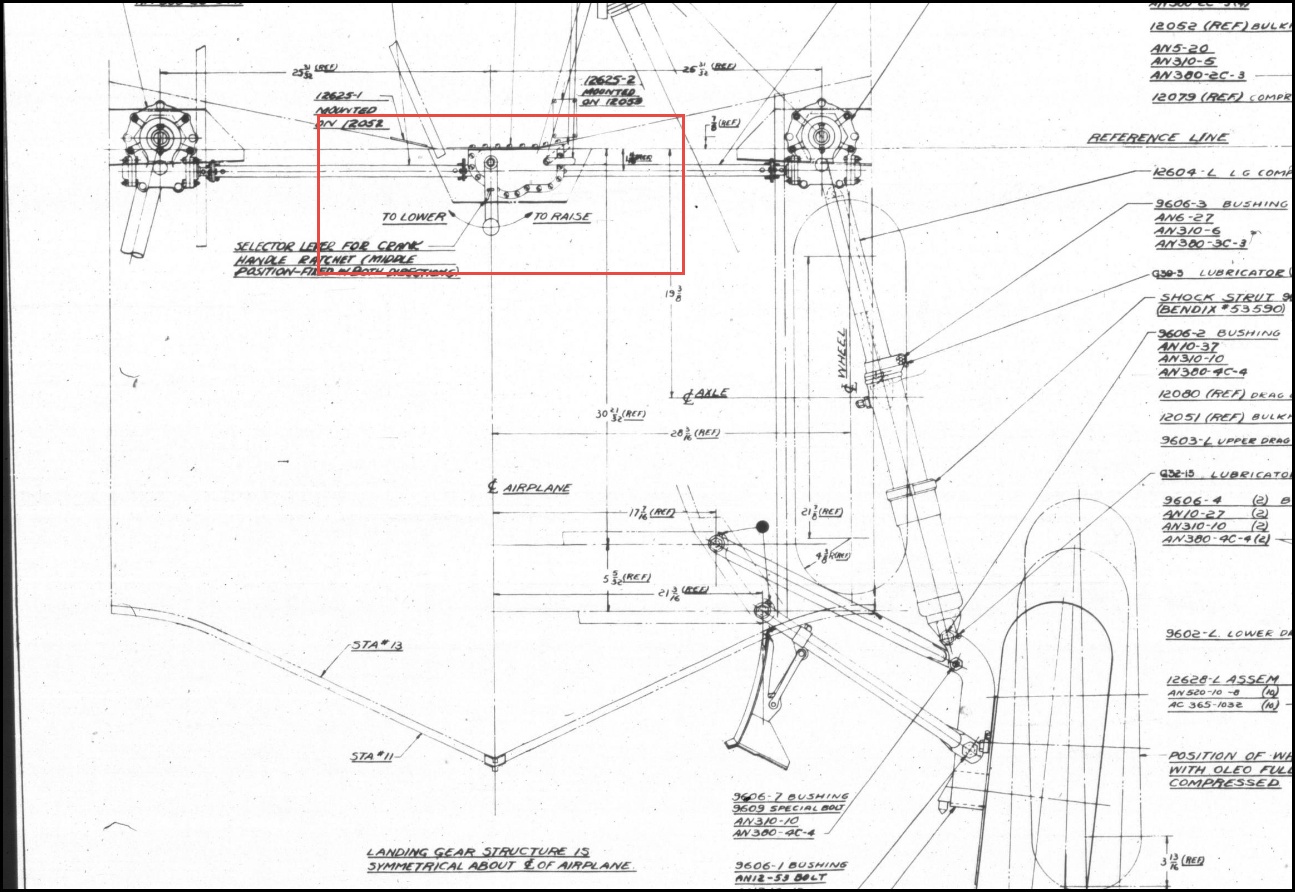
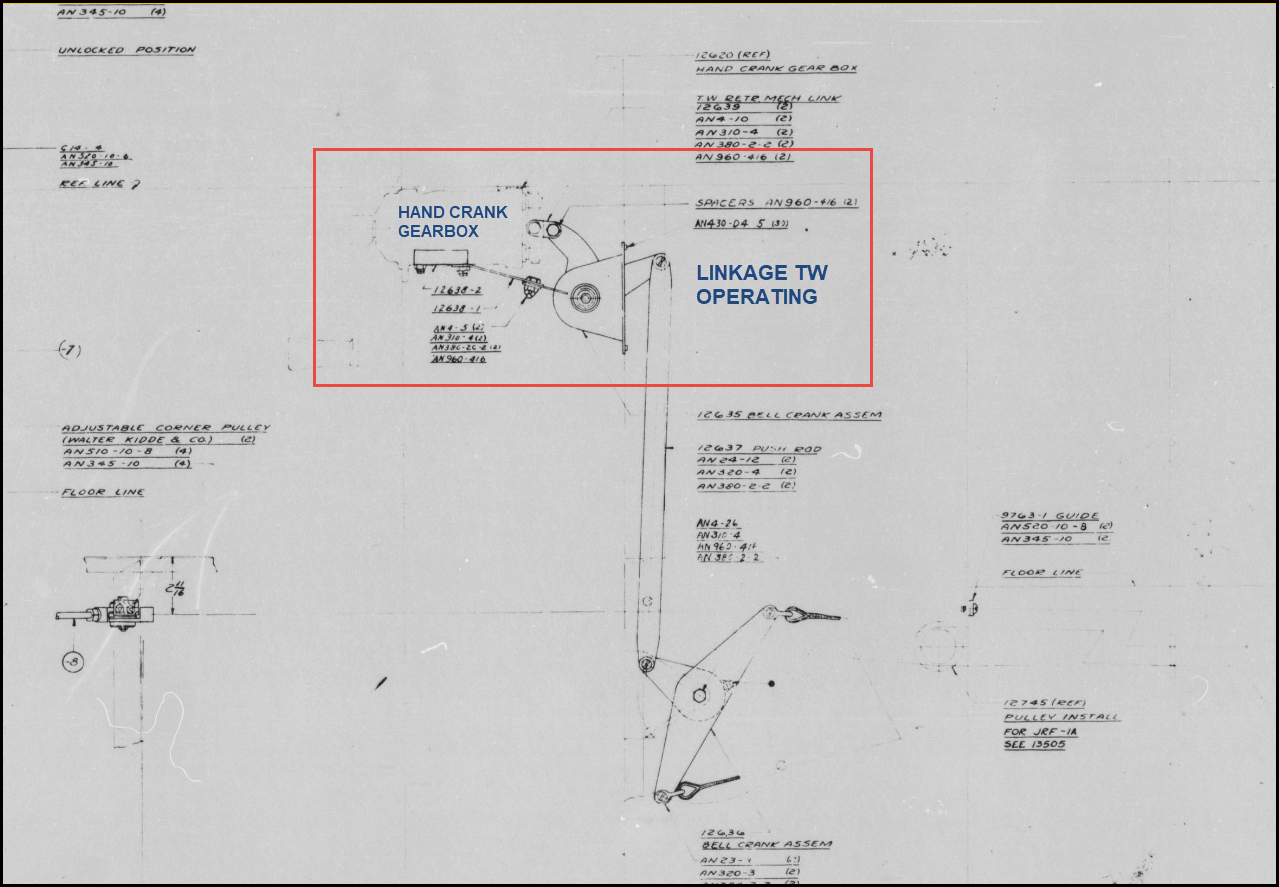
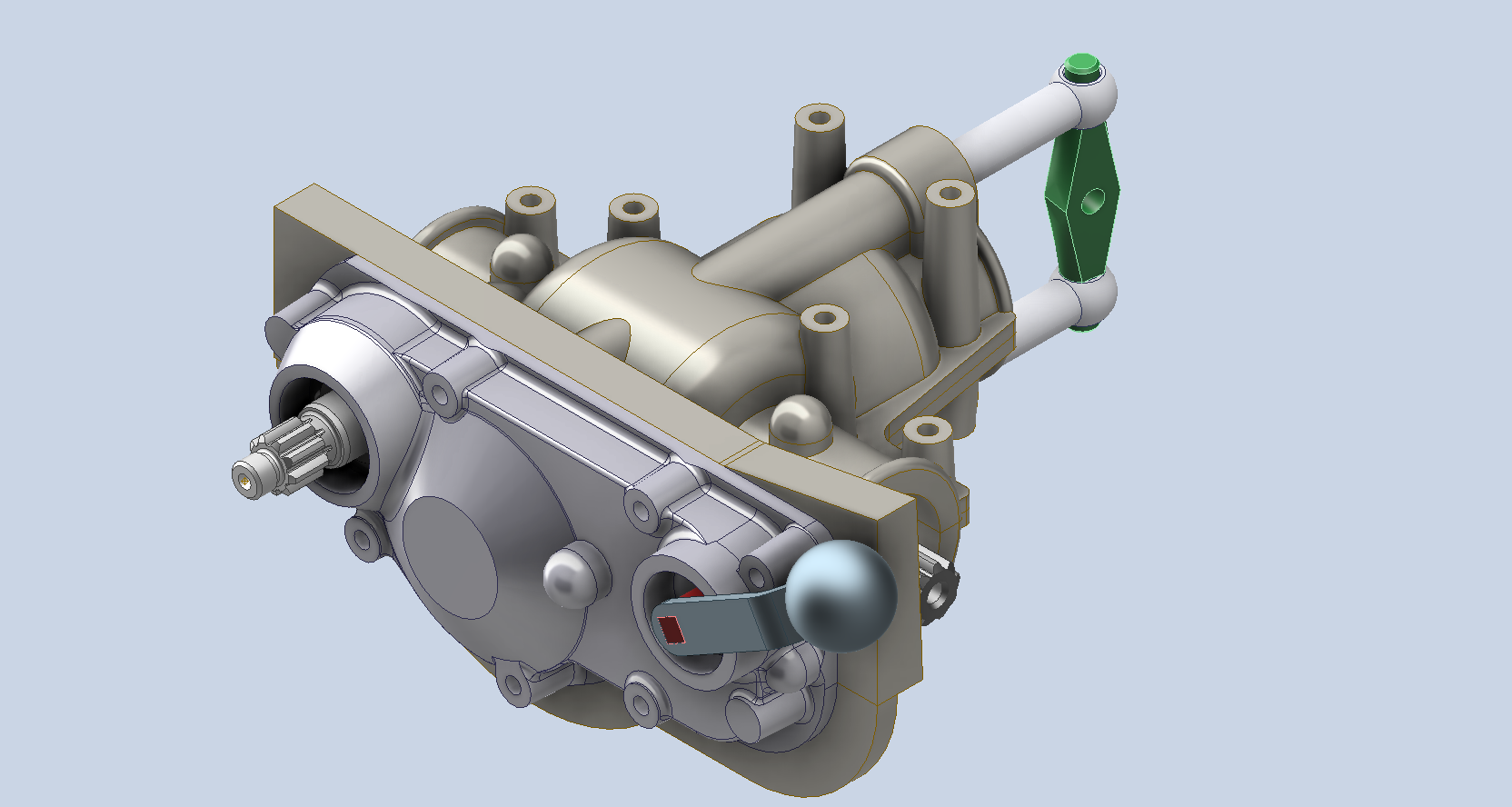
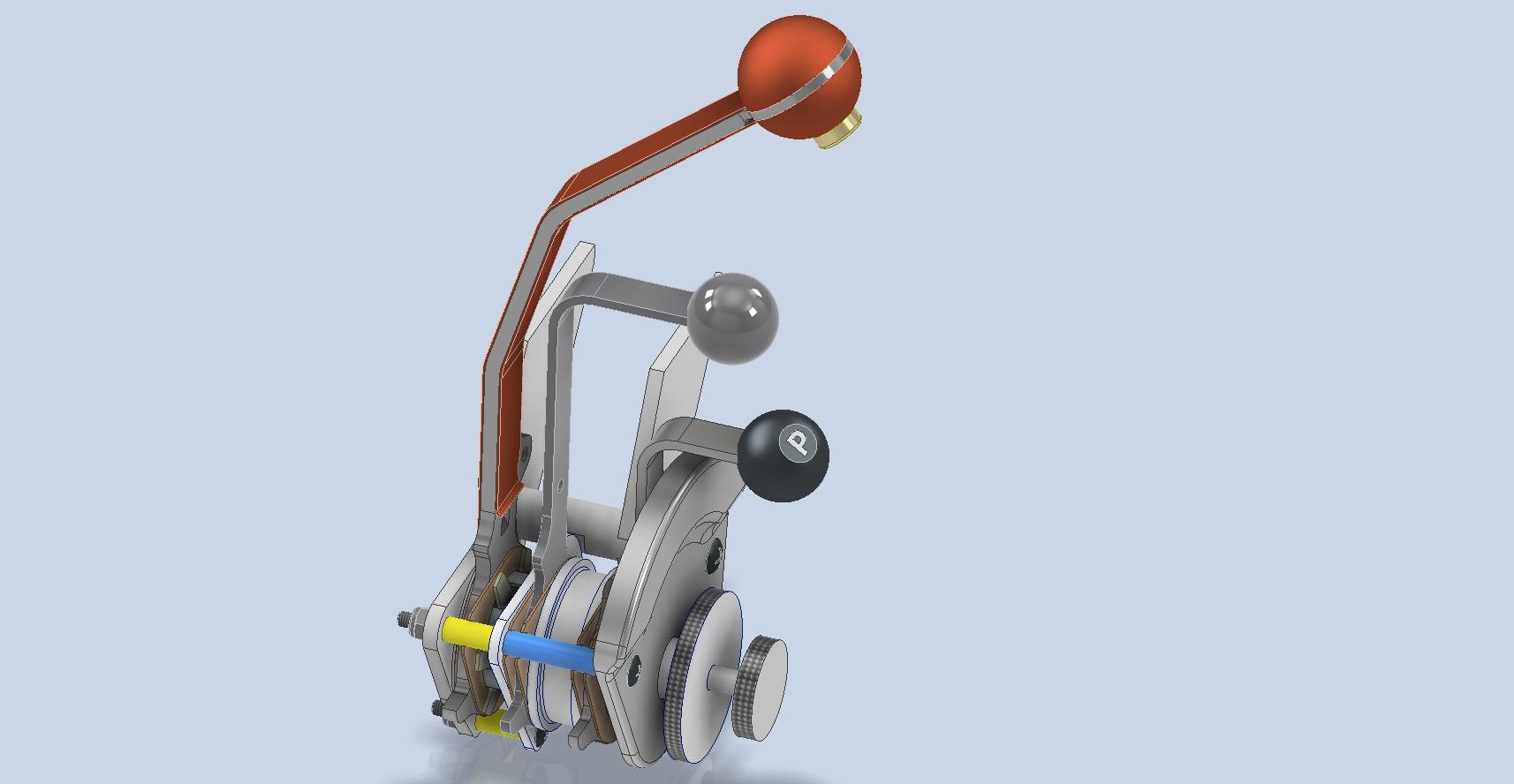
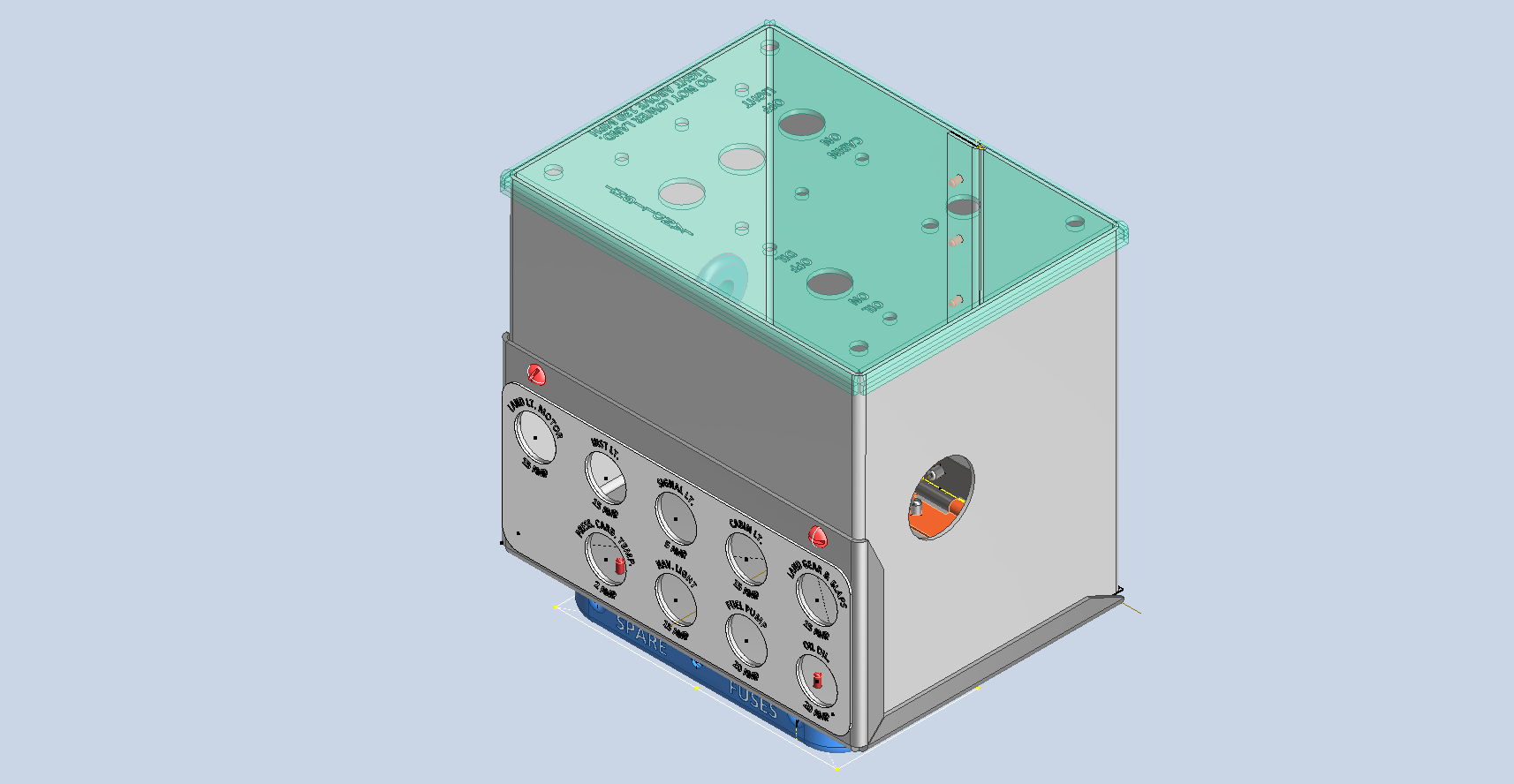
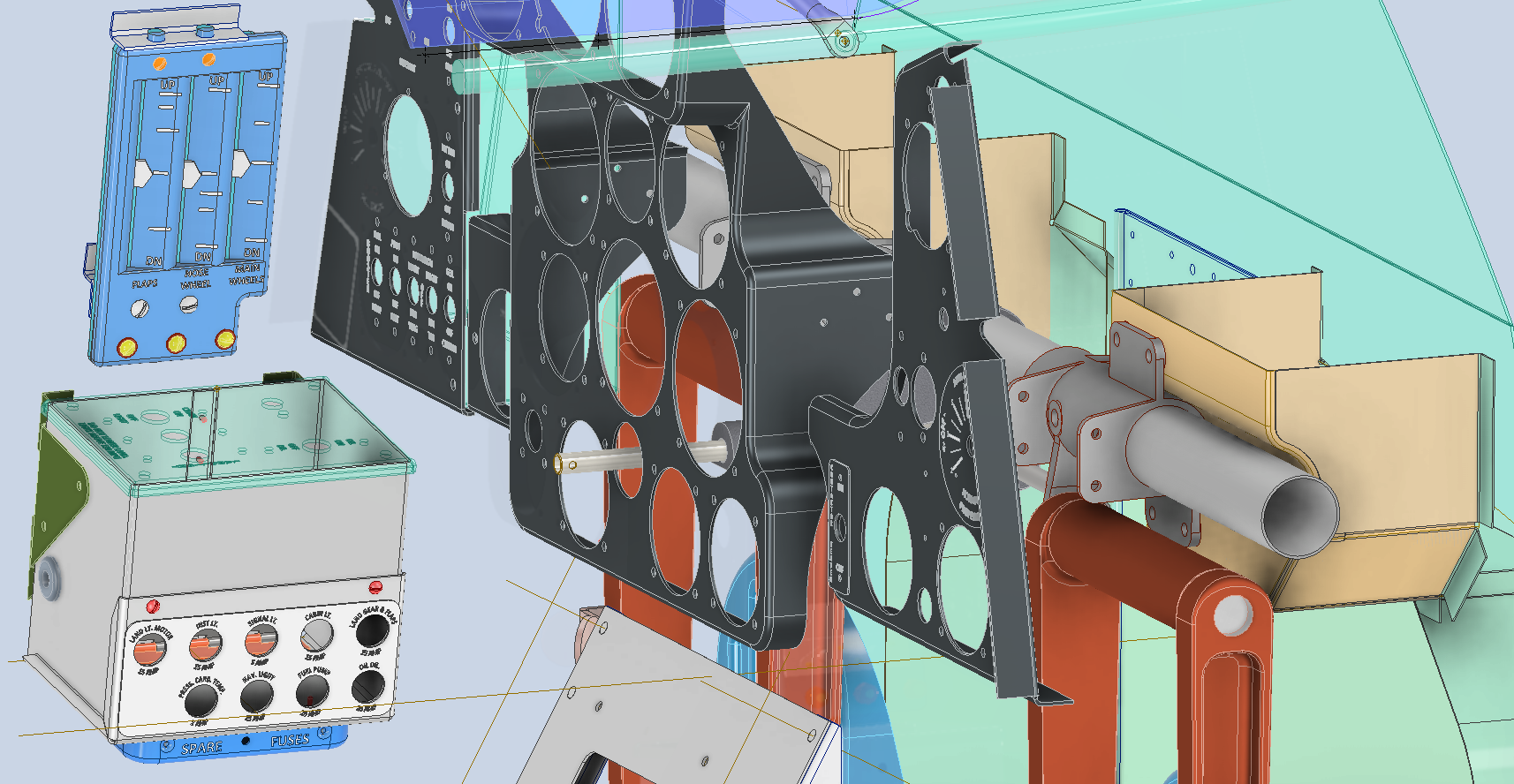
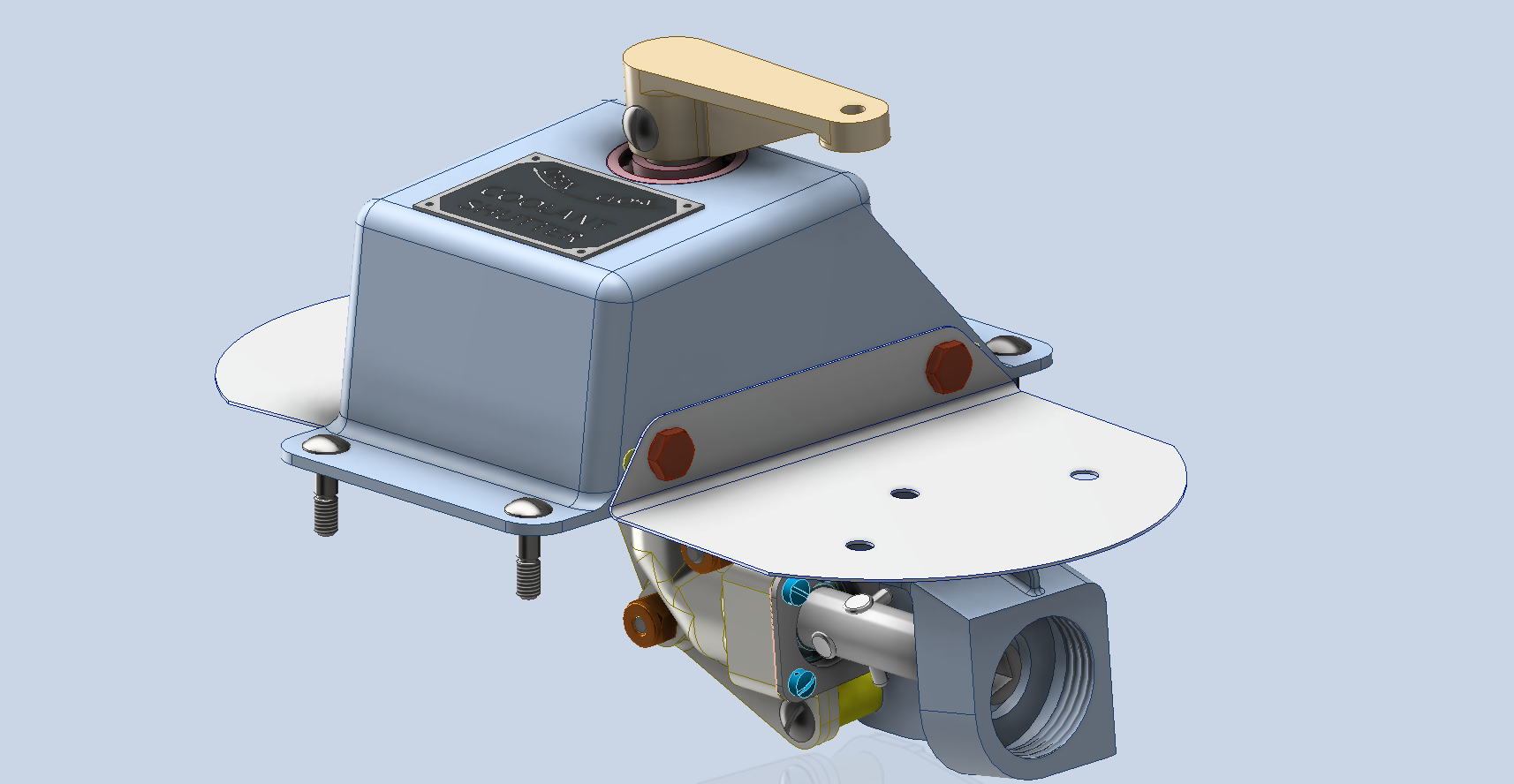
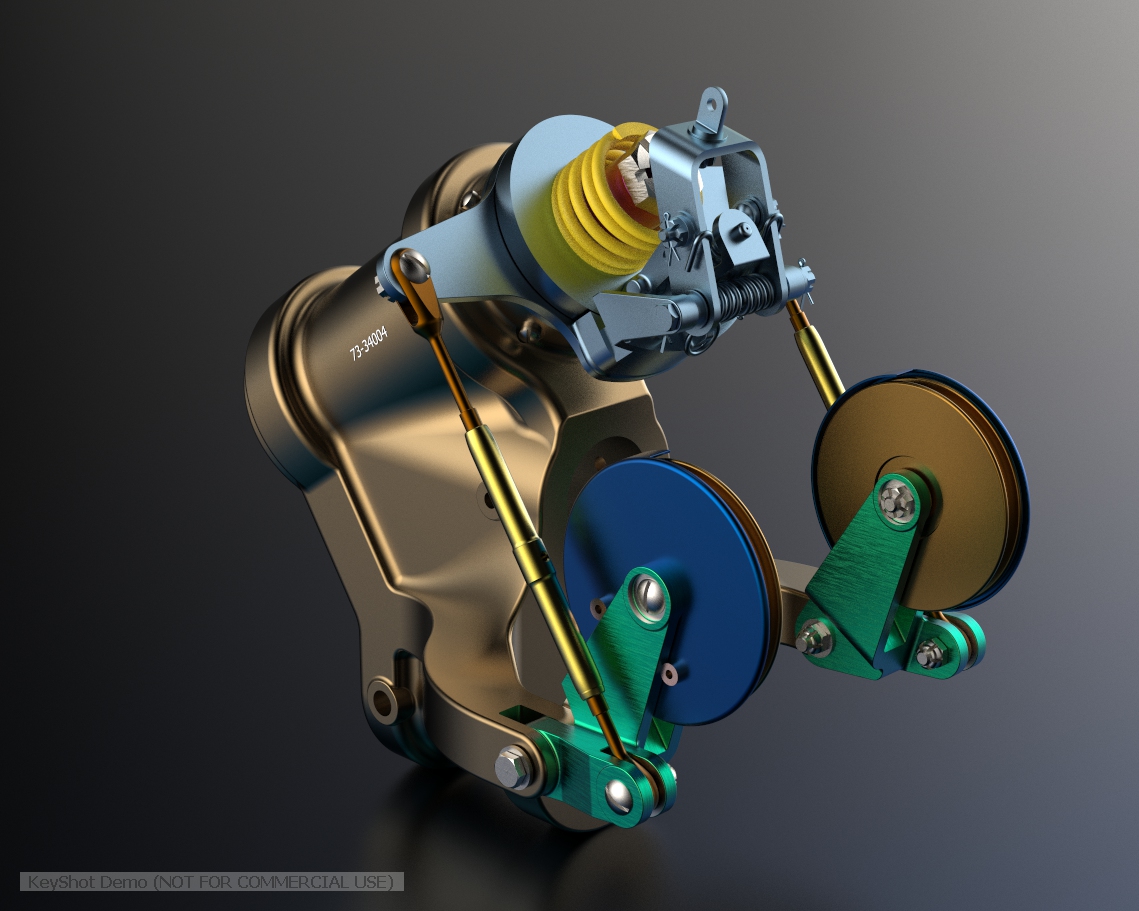
Rendering the JB2 Using Autodesk Vred

Rendering the JB2 Using Autodesk Vred:

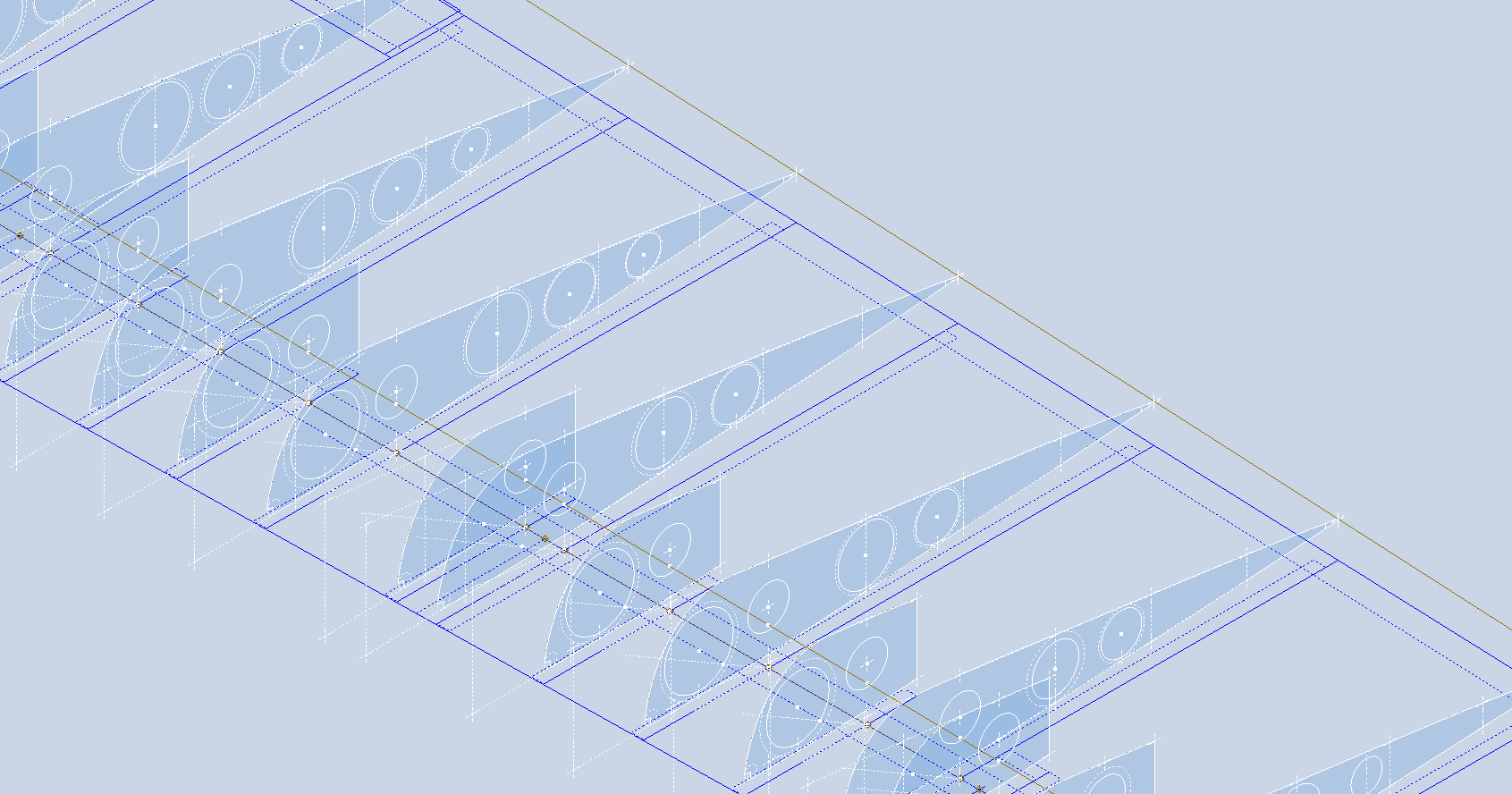
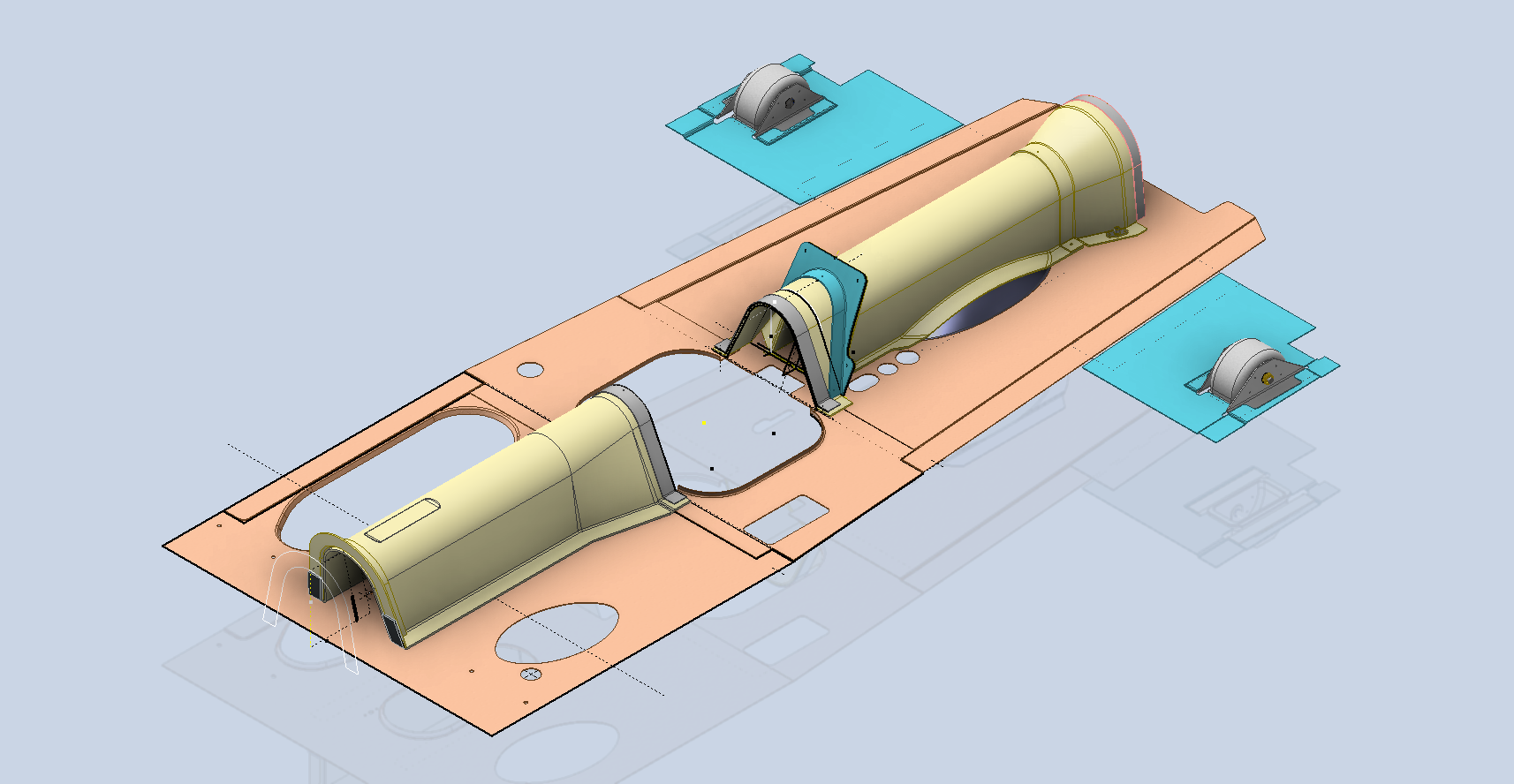
For quick renderings that are perfect for blog posts, I typically prefer KeyShot. It provides an intuitive workflow and a large library of environments and materials. However, the trial version has some limitations: you cannot save projects or export a rendered image, except as a screenshot. When I was recently asked to produce high-quality renders of the Republic JB2 for a museum display, I was uncertain about how to accomplish this.

These products are very expensive and far exceed my budget, so I urgently needed to find a solution. That’s when I discovered Autodesk VRED. I downloaded the software along with the accompanying asset library, and to my surprise, the trial version is fully functional. It allows me to save projects and create high-resolution renders, and it runs for 30 days.

Autodesk Vred retails at around $14000, which is extraordinarily expensive, but it is aimed primarily at the Automotive industry. Consequently, the product is packed full of features and limitless options on environments, materials, lighting and camera setups. It truly is a comprehensive and, to some degree, rather complex product, so there is a steep learning curve.

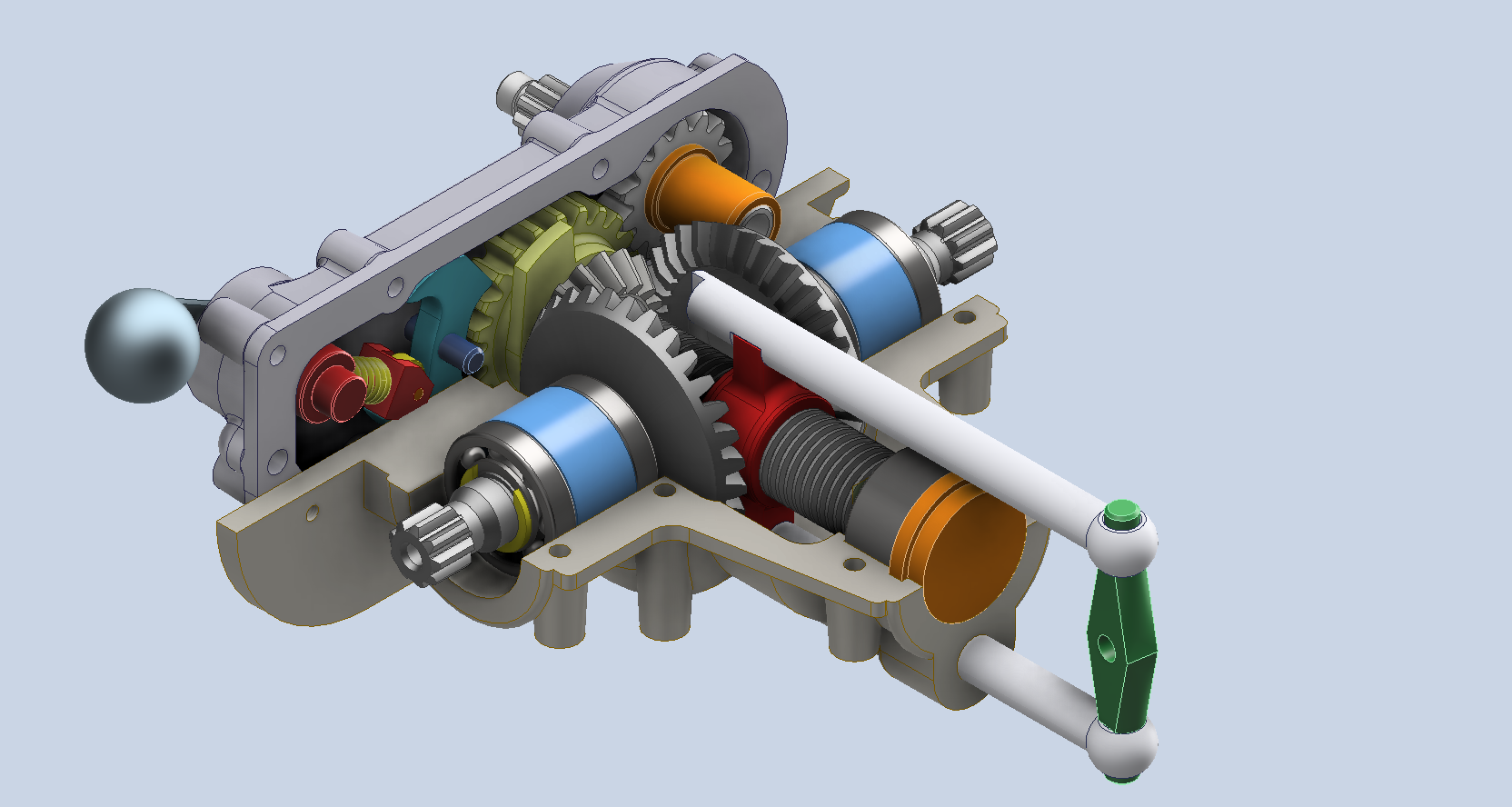
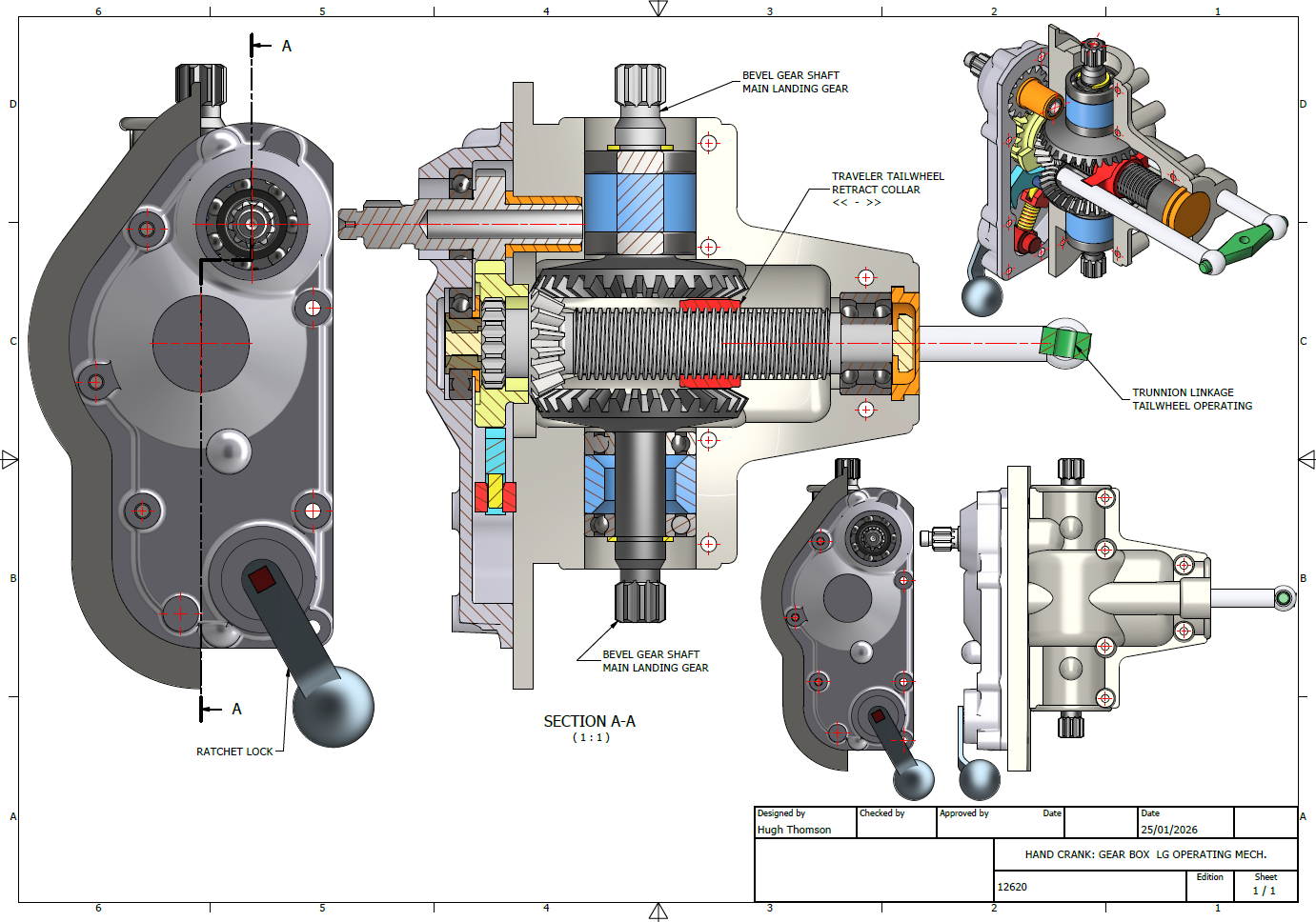
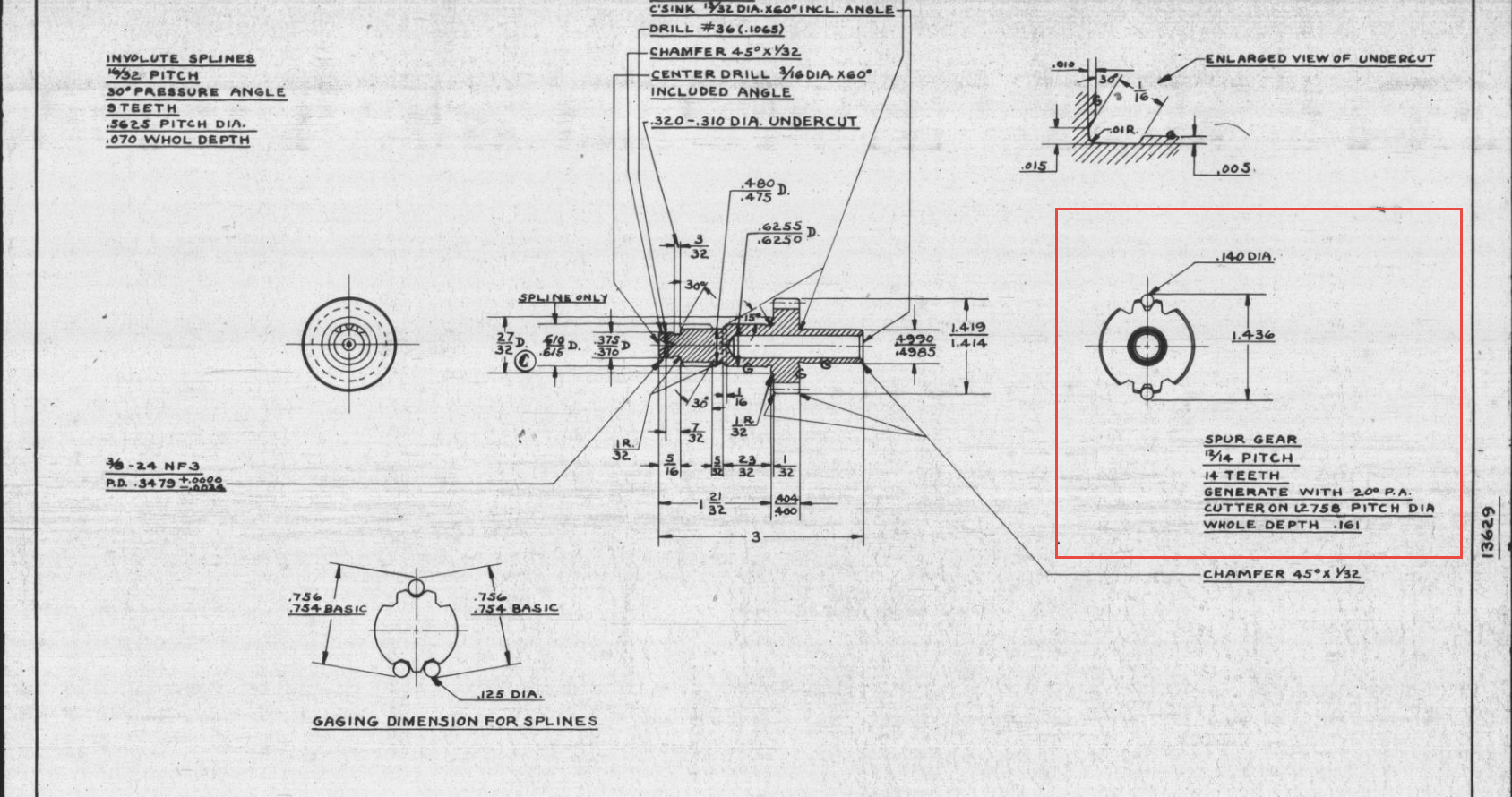
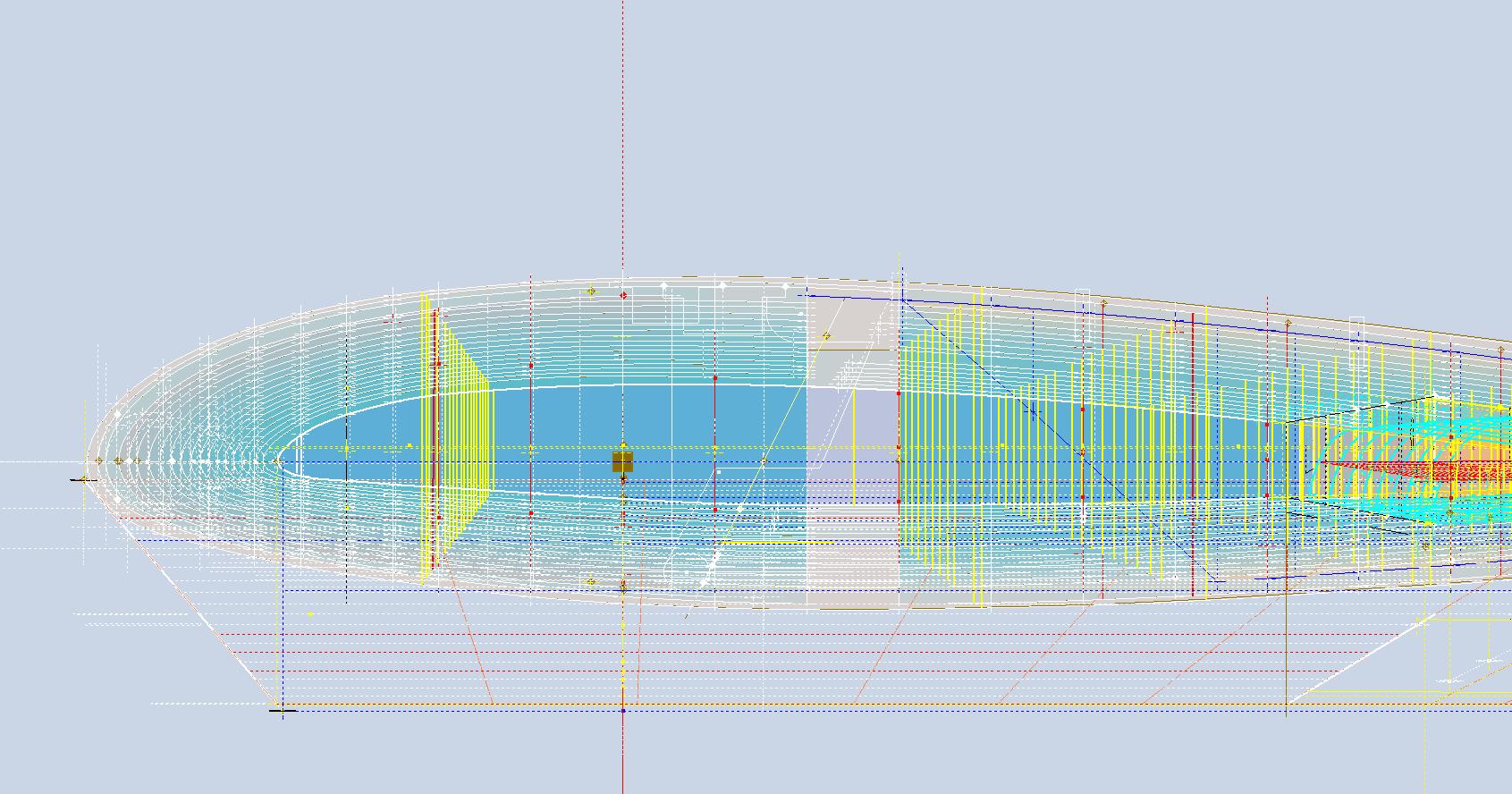
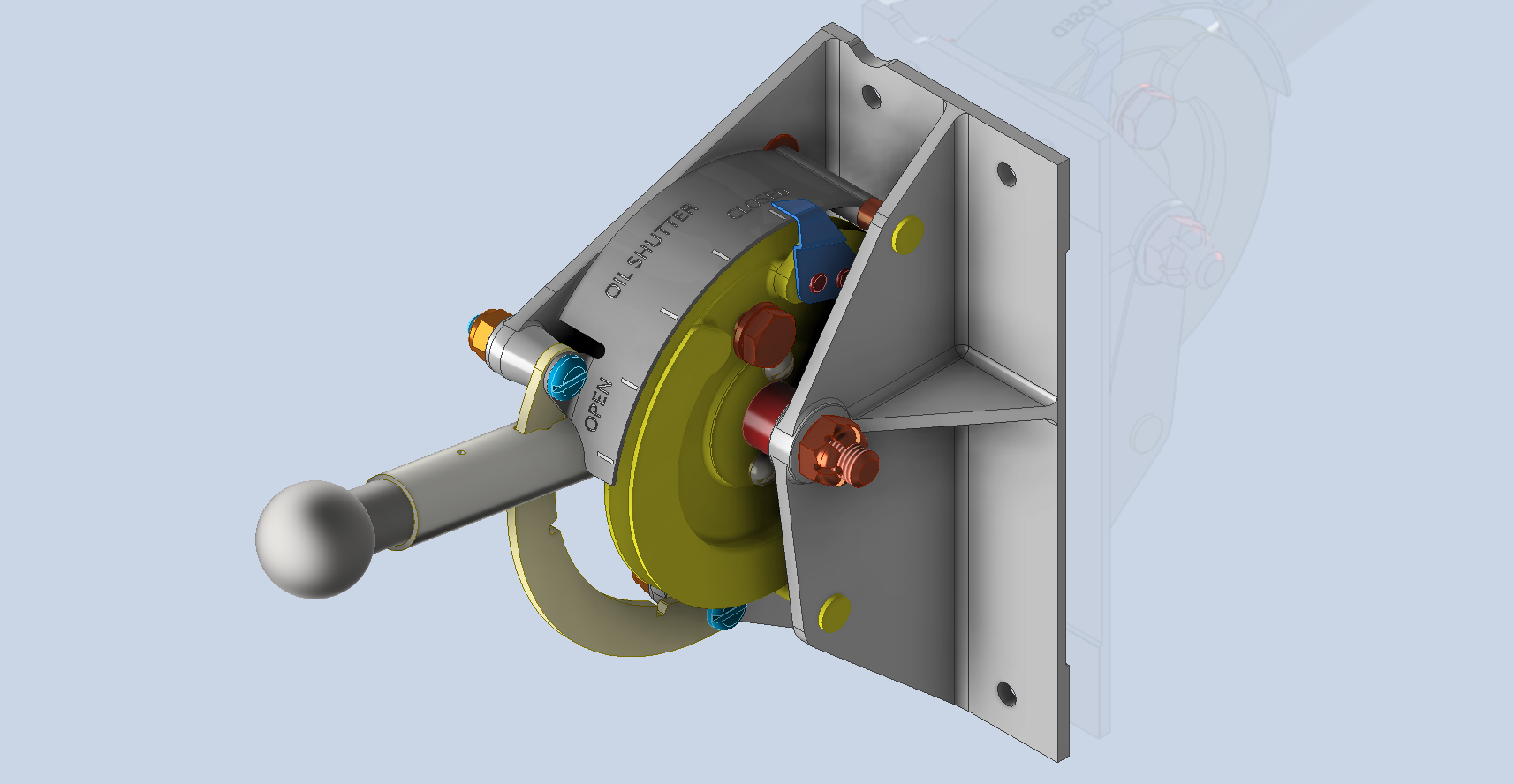
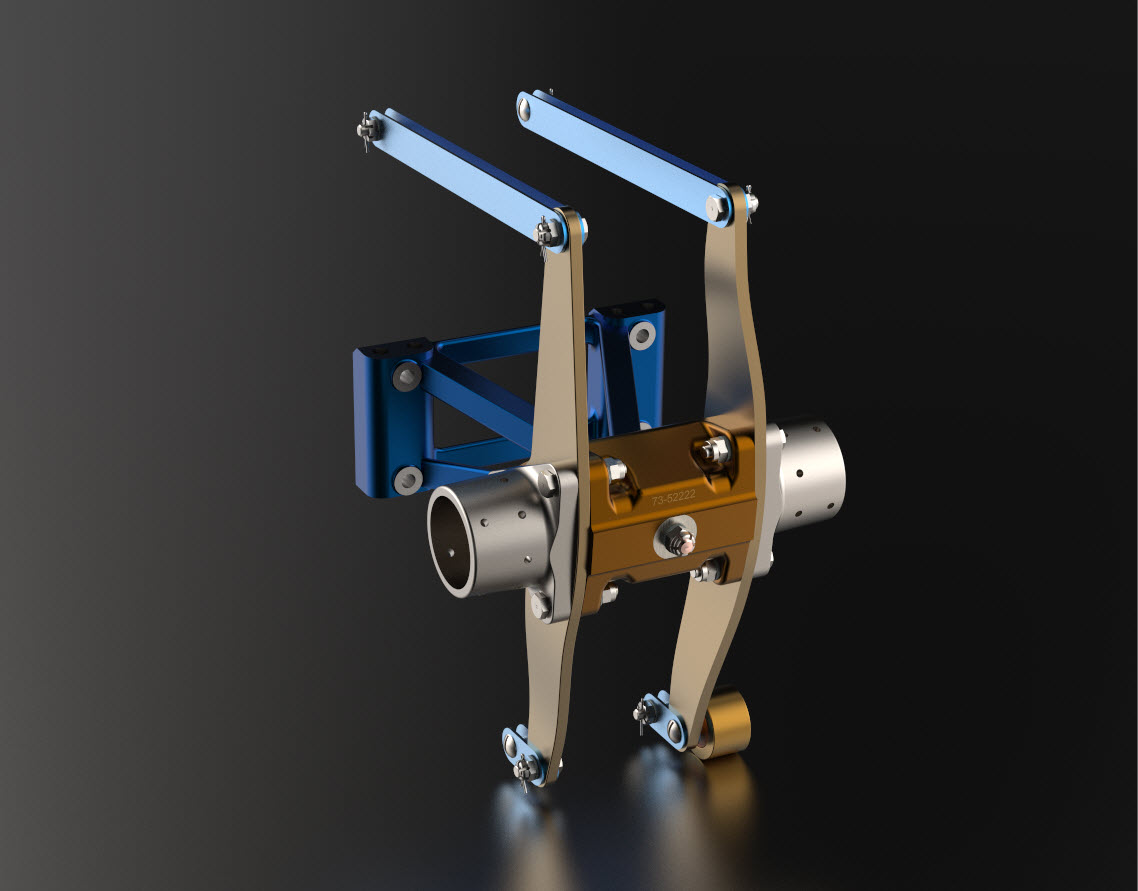
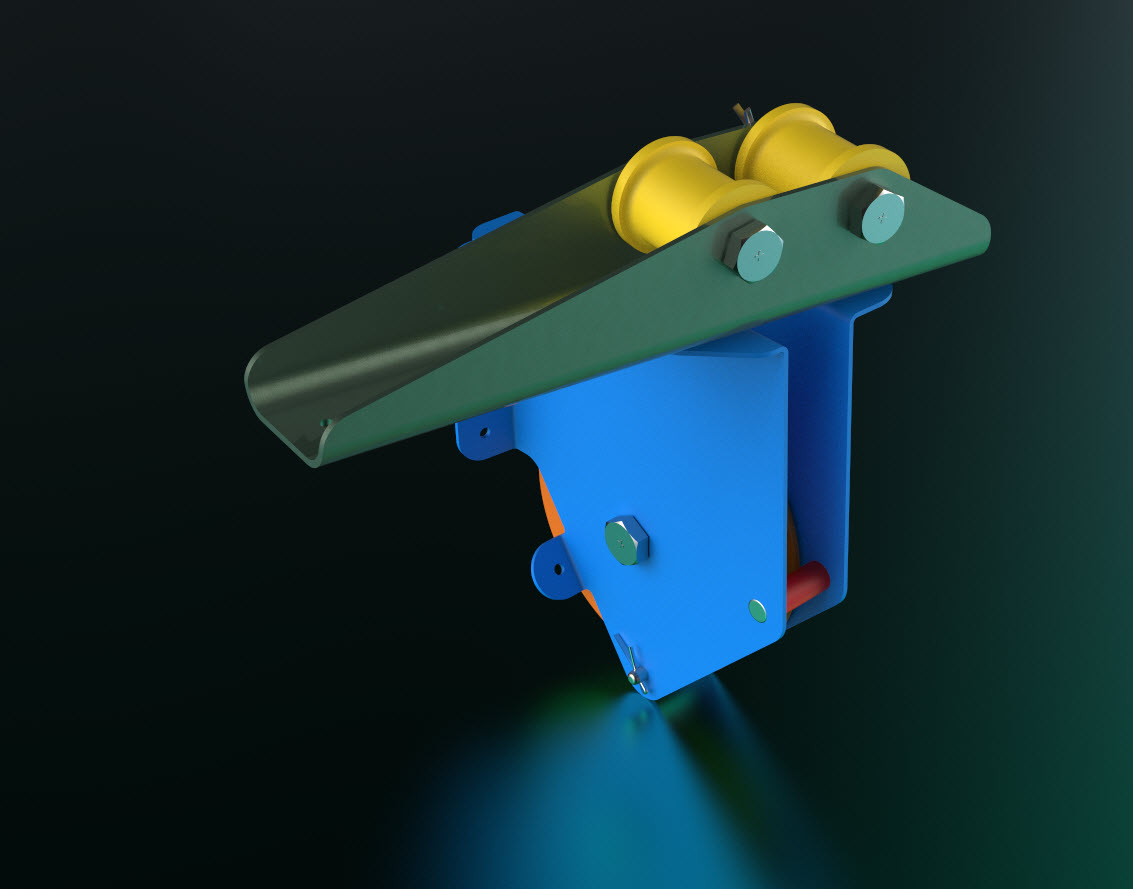
Undeterred, I set to work by reviewing tutorials, YouTube videos, and various online resources. Over the course of six days, I gained a deeper understanding of the nuances of VRED rendering. While I’m not an expert yet, the test renders started to come together, culminating in the images showcased below.

These images are not final, as I still need to work on the texture mapping and apply materials to some internal components. However, they demonstrate that it is possible to achieve satisfactory results in a relatively short time. Although the product has a steep learning curve, it encourages you to deepen your understanding of materials, textures, and lighting, which ultimately enhances your grasp of rendering processes.

I highly recommend that anyone interested in creating renders try Autodesk VRED. It offers the full functionality of a high-end rendering product, including the ability to save your projects and export high-resolution renders. The availability of a 30-day trial version is exceptional—Keyshot, take note!

I want to clarify that I have no affiliation with Autodesk, but when it comes to the accessibility of professional products, Autodesk is unparalleled. I have no problems recommending worthwhile products, like this one.

Unlock Precision with Aircraft CAD/Ordinate Data

Unlock Precision with Aircraft CAD/Ordinate Data:

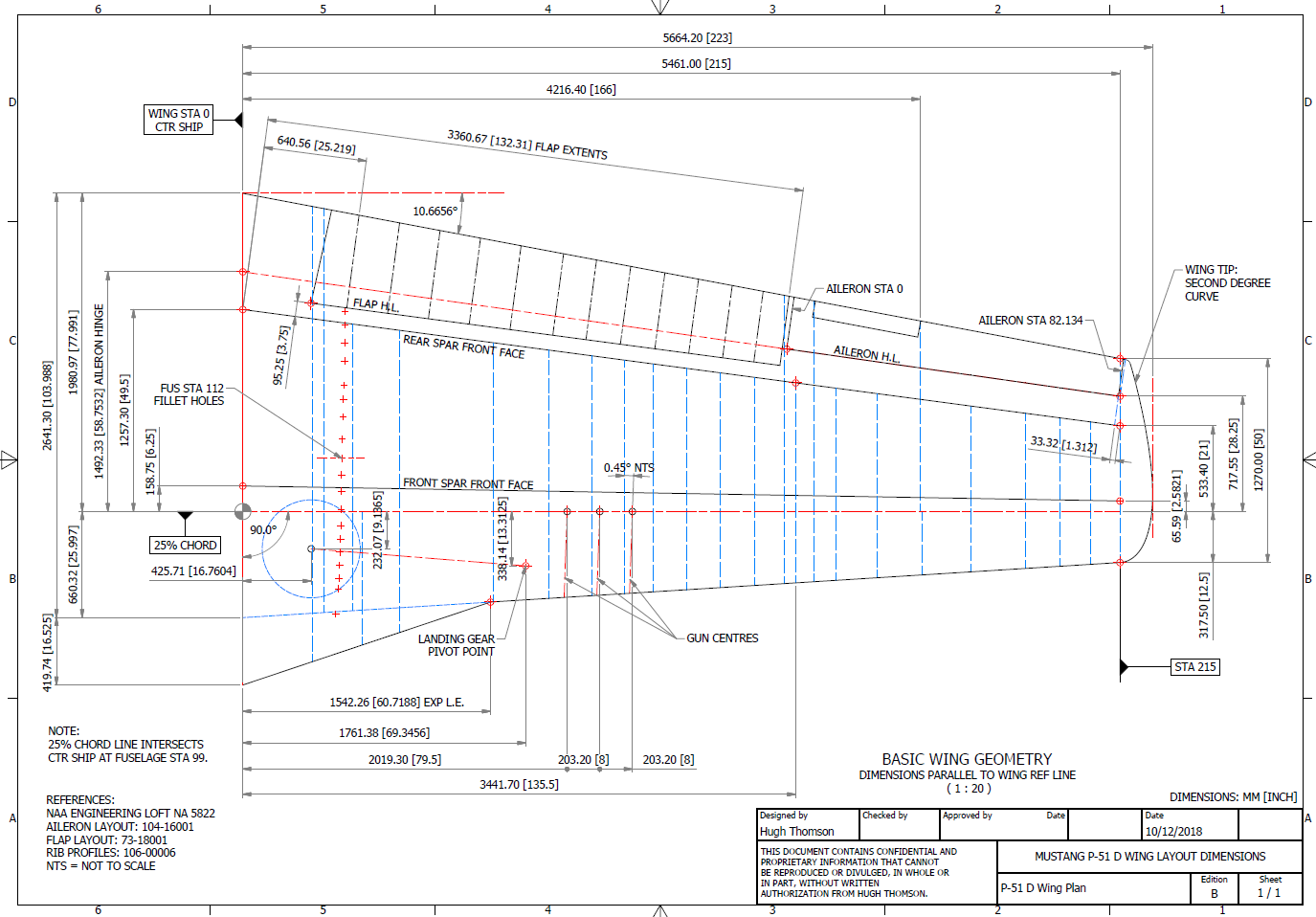
The CAD/Ordinate datasets are designed to offer detailed documentation of the dimensional information pertaining to the core profiles of various aircraft components. This includes elements such as fuselage bulkheads, cowls, vertical stabilizers, horizontal stabilizers, wings, rudders, flaps, ailerons, and elevators. Essentially, these datasets provide all the dimensional information needed to develop the main profiles for aircraft construction.

The research studies were conducted to fill in important gaps in information and to clarify unclear details. Often, data on blueprints can be difficult to read, making it necessary to record and analyze the bulkhead or rib profiles in CAD. This process helps accurately determine the correct dimensions.

The examples of ordinate dimensions above are not necessarily the worst; in fact, there are truly poor examples that exist. To tackle these issues, we should start by recording the known dimensions in Excel and making educated guesses about the worst examples. Next, we can create each profile in CAD. This CAD profile will give us a clear visual representation of any anomalies in the curvature, which can be further analyzed through curvature analysis to identify low and high spots. This process is done for every rib and bulkhead profile where we have ordinate dimensions.

The spreadsheets above are typical examples of CAD/Ordinate datasets. The first spreadsheet contains the Ordinate record for the P-38, while the second one features the Aileron sheet for the FM2. You may notice a Linear Regression analysis table included in the FM2 sheet. Initially, determining the individual profiles of the ribs or bulkheads is just the first step; we now need to assess the assembly of all these components and check for proper alignment.

Each drawn sketch profile in CAD will serve as the border for containing a surface patch.

There are two primary reasons for doing this. First, it provides us with a plane that can be converted into a working surface, which can be utilized in any CAD product. Secondly, it provides us with a tangible element that we use to check assembly cross sections at key locations for alignment checks.

For example, consider the wing of the FM2. The wing assembly has been converted into a part file, and cross-section sketches were created at various chord locations: 30%, 60%, 70%, and 80%. Each sketch utilized the “Project Cut Edges” function to generate a cross-section of each rib. As shown in the second image, the array of lines representing the rib cross-sections provides a visual aid to identify high and low spots on the wing assembly. By creating a surface plane for each rib, we were able to generate these cross sections effectively. There were a few high and low points, which were double-checked and rectified.

If we require additional verification and strive for precision, we could use Excel’s Linear Regression to generate the coordinates for a Best Fit Line and make adjustments as needed. However, this approach may be excessive since our primary goal is to clarify the original blueprint data and apply it to identify appropriate rib and bulkhead profiles within acceptable parameters.

We can also use Linear Regression to give us an overview of how the ordinate profiles align with one another and to identify any discrepancies. Typically, acceptable parameters are within +/- 0.01 inches (or 0.254 mm), as specified by the dimensions on the blueprints, which usually only provide accuracy to two decimal places. Sometimes, as was the case with the P-51 and P-38, we had key design parameters that allowed us to calculate the exact profiles for each wing.

Validating dimensional data is crucial because the actual wing construction may not always match the accepted specifications. The design specifications for the FM2 call for a NACA 23015 airfoil at the root and a NACA 23009 airfoil at the tip. You might be surprised to learn that the NACA 23009 is a modified version of the standard 23009. Nothing is therefore assumed or taken for granted.
The CAD/Ordinate datasets are the result of extensive and thorough research and analysis, often taking many months of work, sometimes around the clock. These spreadsheets include every known ordinate dimension for various aircraft, gathered not only from blueprints but also from manuals, reports, and even correspondence. The CAD/Ordinate packages also include various 3D CAD models in various formats, including 3D DWG and fully dimensioned 2D DWG. All documents provided are fully editable so you can adapt the information to your work processes.

For more details on using the Ordinate spreadsheet data for your own CAD systems, see my earlier post here: Ordinate Overview

With over 45 years of experience in structural and mechanical engineering, my expertise influences everything I do.

In summary, the purpose of the CAD/ordinate datasets is the result of intensive work and research to provide the user with correct usable data that can be utilized in any CAD system.

When you buy CAD/Ordinate datasets and Blueprint collections from me, you support my ongoing research to provide the most comprehensive and probably the most accurate dimensional information about various aircraft. This blog and my research work would not be possible without your support.

Goose Bumps!

Goose Bumps!

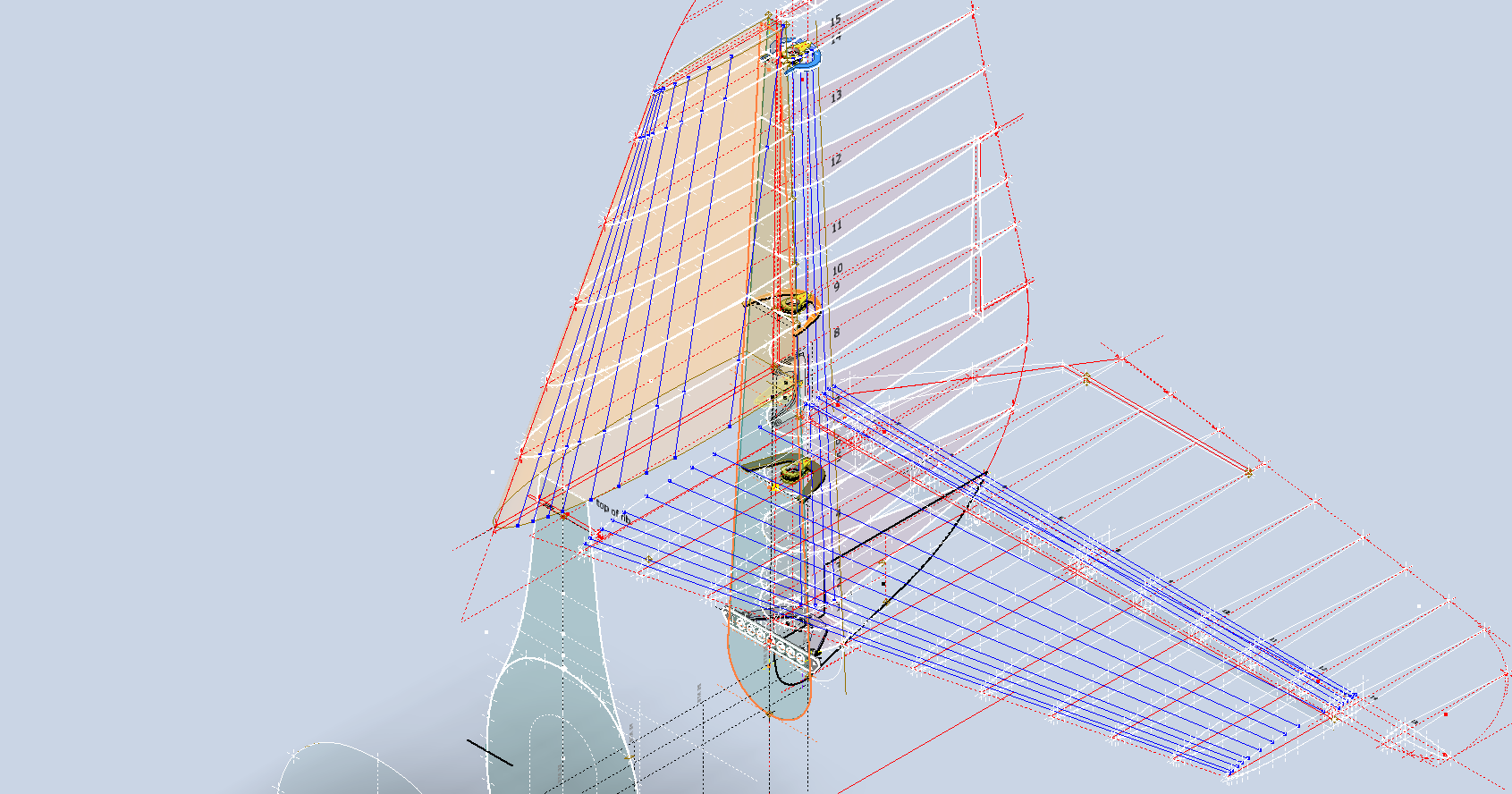
The Grumman Goose project is both challenging and frustrating; it is definitely not a straightforward aircraft to work on. I have primarily focused on updating the empennage, which includes the vertical stabilizer, horizontal stabilizer, rudder, and elevator. During the development of the ordinate study, I observed discrepancies in the documented locations of various components. Let me explain what I mean.

Upon reviewing the CAD drawings on the left and comparing them with the Maintenance Manual diagram, I noticed that the level of the ribs varies by 1/16 of an inch. This discrepancy caused me immediate concern, and I began to wonder where I might have misinterpreted the Grumman drawing data. Therefore, I felt it was necessary to review and verify the information.

Initially, we do not have any reference location information on the Rudder Layout drawing. Normally, you would expect reference dimensions to the fuselage centerline or a fuselage station reference, but there are none. We do, though, have locations of the Hinges on other drawings for the Station bulkheads and Fin layout which in turn will help derive location information for the Rudder.

The first image above is the bulkhead layout at Station 36, which specifies the centre of the hinges 1, 2, 3, and 4 relative to the Fuselage Ref Line.. The second image is the bulkhead at Station 33, which shows the dimension of 65 13/16″ to the top of the Lower Rib on the Vertical stabilizer Fin.

I am looking to verify the dimensions and locations of the rudder ribs and hinges in relation to the Fuselage Reference Line. To accomplish this, we will start with the information we have and determine what additional information we need. The first image confirms that the CAD drawings for the rudder accurately depict the positions of the hinges. The second drawing further supports this; the “Top of Rib” location refers to the lower rib of the fin which includes the locations of the hinge centers. At this point, we have established the correct locations of the rudder hinges from two different sources.

Having determined the hinge locations, we know that the ribs for the rudder are offset by 5/8″ on either side of those locations, which allows us to derive the final levels noted on the Rudder Layout CAD drawing. Does this mean that the Grumman drawings, and therefore the CAD drawings, are correct while the manuals are incorrect? Yes and No…let me explain…

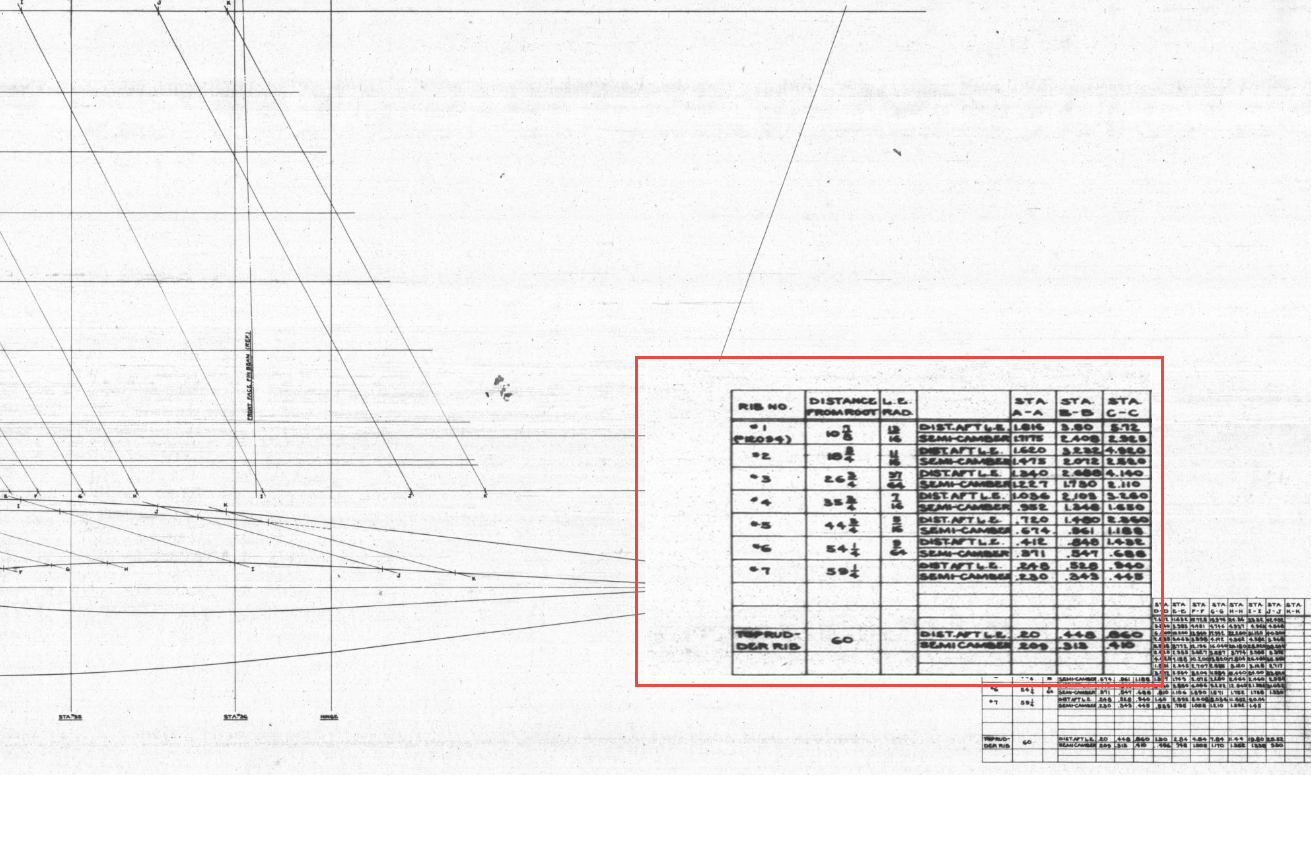
The first image is the Lines Diagram for the Vertical Stabilizer Fin Ribs. In the Table of Offsets, you will notice a list of dimensions from the “Root,” with the first rib specified at 10 7/8 inches. If we overlay these dimensions onto the CAD drawing, we observe a 1/16-inch discrepancy to the top of the first rib. However, all other sources, including those mentioned above and additional references not listed, such as the fuselage Lines layout, indicate that the top of the rib is correctly positioned in the CAD model (second image), contradicting the information provided in this Table of Offsets.

So what is going on?

We should take into account the revision history of the Grumman Goose development. If you examine their drawings, you’ll notice that they have made numerous revisions, some of which are labeled with letters as late in the alphabet as “R.” That indicates a significant number of changes.

I believe that various details have changed over the year, with the more prominent aspects being updated while the less prominent drawings remain unchanged. Regarding the manuals, it seems they were created early in the project, and it may have been considered too labor-intensive to update the level references. This aircraft is quite complex, and I can only imagine the effort involved in both its development and the ongoing updates to its design.

Whenever a small anomaly becomes apparent, I will make an effort to gather information from other drawings to verify the final result. This is one reason why these Odinate studies take so much time; it is crucial to ensure that the final study represents the most accurate dataset possible. If I were building a Grumman Goose replica, I would be using my datasets.

Progress Update 18th March:

A few screen shots showing the latest updates to the JRF Goose. The wing has been completely rebuilt with all dimensions verified.

Technote: Inner Workings

Technote: Inner Workings:

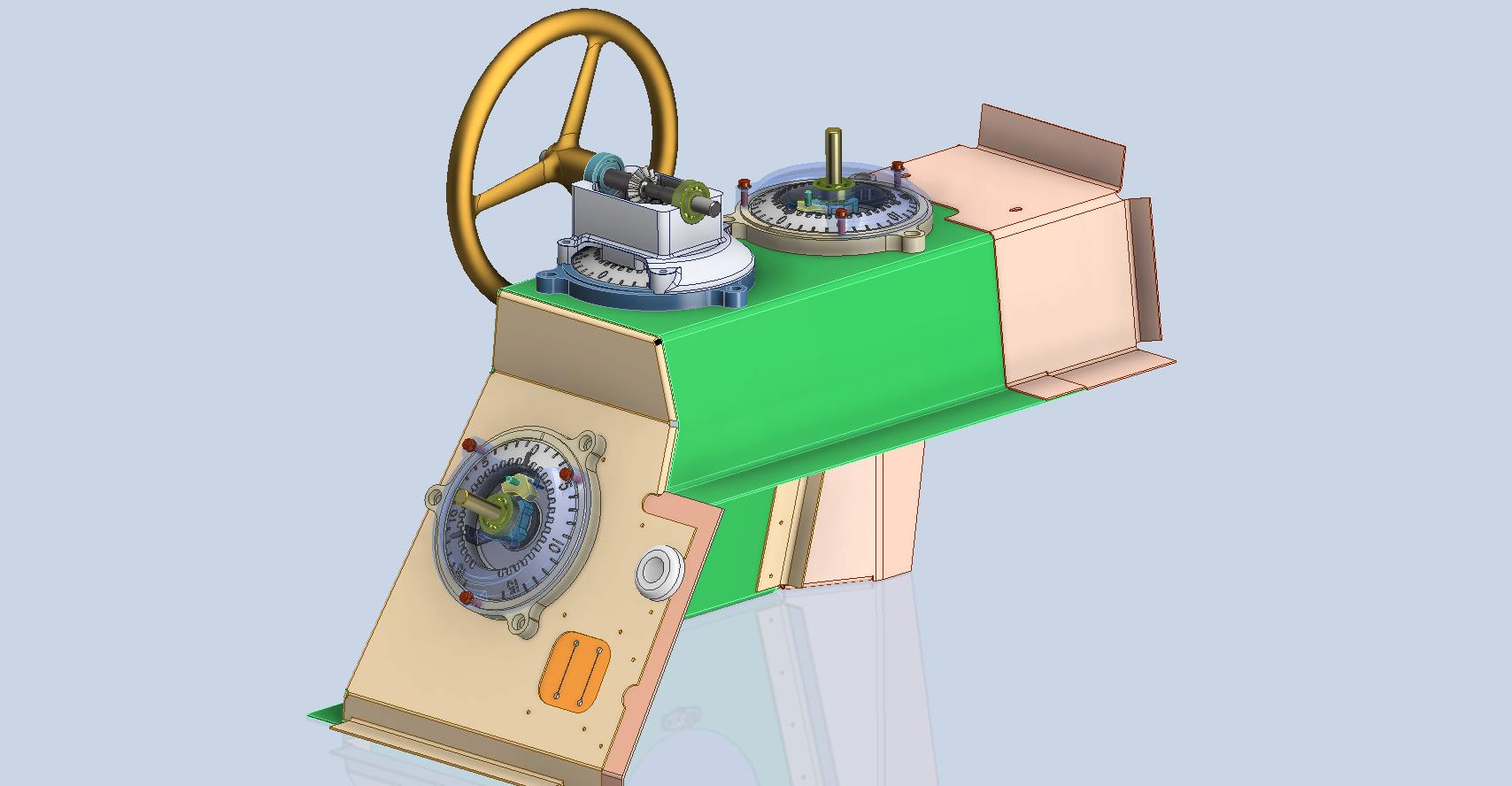
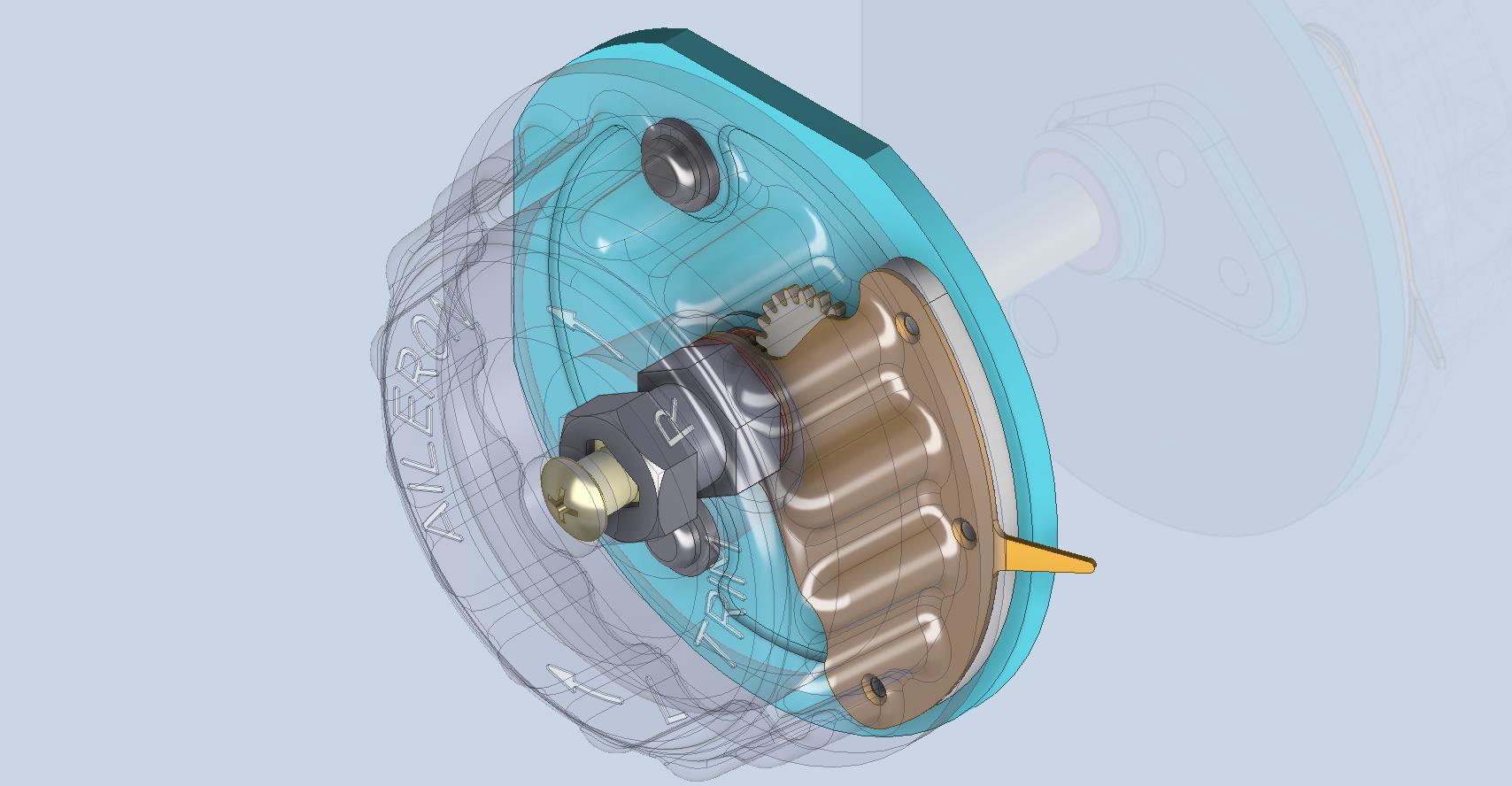
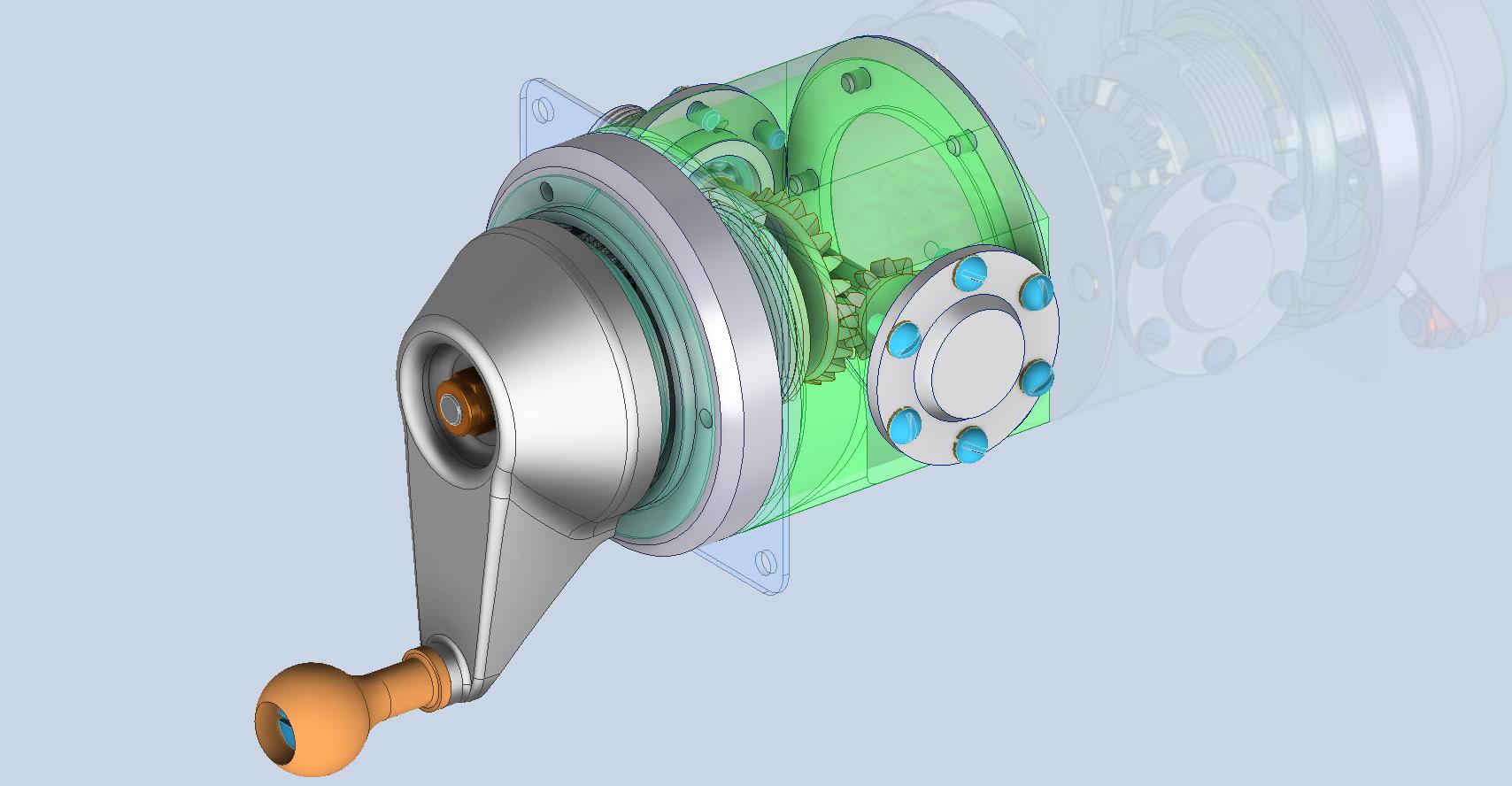
Working on the controls and instruments for the P-39 spawned a plethora of questions about how these controls actually worked. So I endeavored to incorporate the inner workings in the Trim Tab Control CAD models. This was specifically to get a better understanding of how they work. This was not a mandated requirement. The initial work scope was replicating the external components for a static display P-39 restoration.

Often enough in museums and private collections, we only see the external controls. For many, this is all they want to see. But what if we also see the internal gears, pulleys, shafts, and bearings to understand how they operate? This is exactly where I now want to go with my future projects.

The Trim Tab controls for the Elevator, Rudder and Aileron are already modelled for the P-39 including the internal components. These dials and controls are currently being manufactured for the restoration project. The decision has now been made to incorporate the working mechanisms as functional replicas. This is great and will actually have some form of function, however, the mystery of operation still eludes the operator. I want to take this a step further and produce desktop models with Clearview casings so that the internals are visible. The exact method is still under review. It will mainly comprise 3D printing techniques for the main components attached to perspex casings.

The dials for all 3 controls are similar with the Rudder and Aileron dials operated by a control knob (not shown) and the Elevator Tab controlled by a wheel as shown. At the base of each control dial there is a sprocket for a short Roller Chain which in turn is attached to operating cables. Out of curiosity I decided to have a look at other aircraft to see how alternative mechanisms were developed for the P-51 and the FM2.

For the P-51 the Trim tab controls are comparable in their operation with the internal gearing arrangements but differ slightly in design.

The dials for the Aileron, Elevator and Rudder are all similar to the CAD model shown. The Elevator and Rudder have cable drums attached to a long shaft for direct cable operation whilst the Aileron has a chain sprocket similar to the P-39 Trim Tab controls.

The plan for the P-51 is to fully model all the components in the assembly shown, complete with cables and chains to simulate operation.

A small point of interest; the various aircraft designed by the same manufacturer often share common parts; for example the NAA drawings for the B-25 share the same Trim Tab control knobs as the P-51 and listed accordingly. For some reason, the P-51 drawings do not reciprocate.

If you can’t find drawings for a particular part, check collections for other aircraft by the same manufacturer. Occasionally, this can be worthwhile. Similarly, with Grumman, many parts were shared with the FM2 and the Grumman Goose.

The above model is the FM2 Elevator Trim tab control, the main body of which is typical for the Aileron and Rudder on Grumman drawing 13690. The Grumman Goose has similar controls shown on the Grumman Drawing 13693. Shared components across the various aircraft are listed on the Grumman FM2 drawings.

This Trim Tab control for the FM2 is probably the most complex I have studied so far…requiring very fine manufacturing tolerances. I am not entirely sure yet how this works as there is a complex array of tabbed washers that act as stops for the dial in both directions; it is unclear at this stage how they should be configured…I will get it worked out in due course.

A lot of work to do on these projects which will definitely keep me busy through 2025.

Technote: P-51 and P-39 Standards

Technote: P-51 and P-39 Standards

During the development cycle of any aircraft the manufacturing standards tend to evolve and commonly change content, description and name. Keeping track of those changes is key to ensuring the defined parts are correct for the assembly of components.

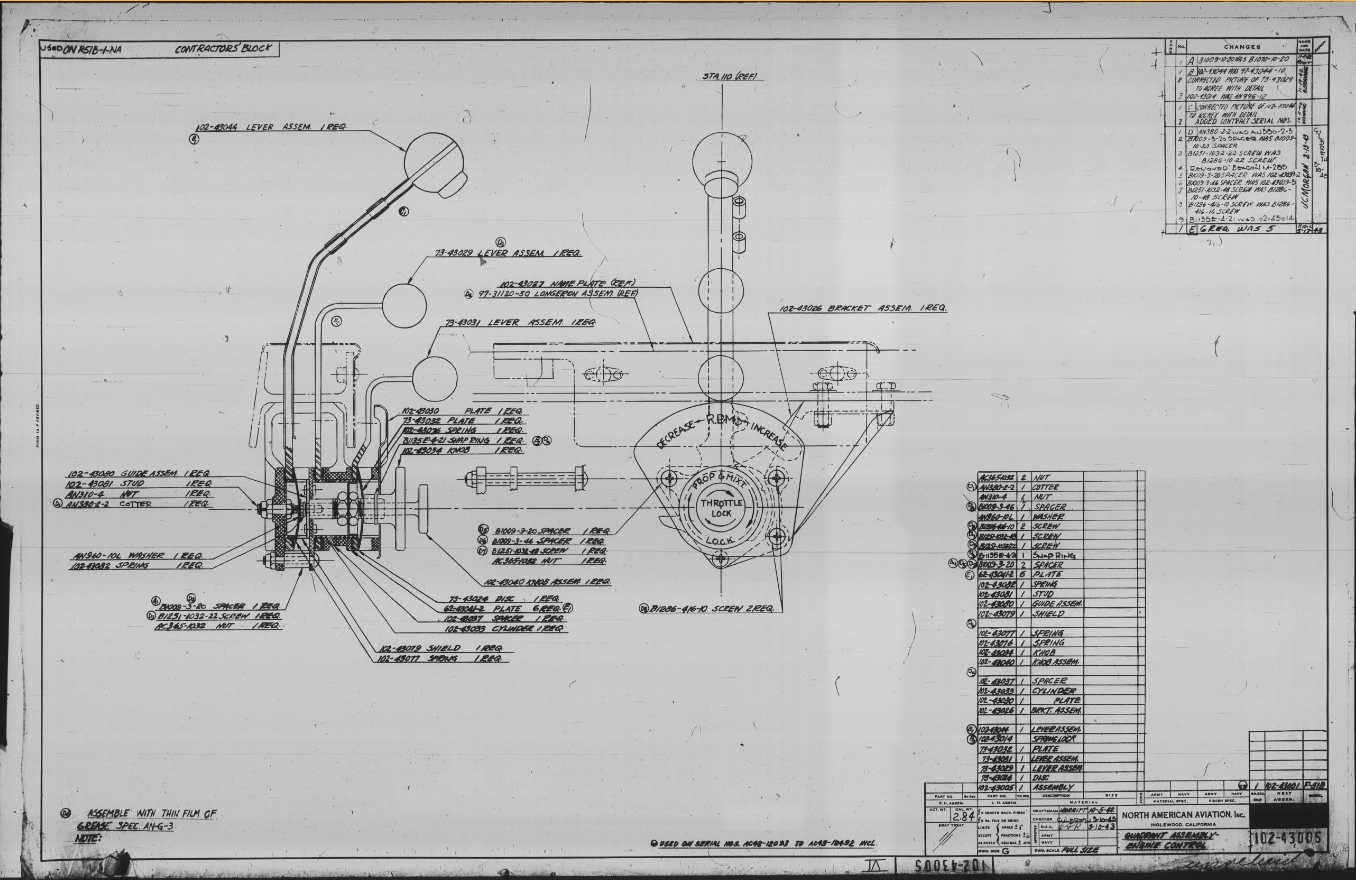
Alongside the P-39 Restoration project, I still develop several aircraft components for other aircraft. This includes my old favourite, the P-51 Mustang. This example refers to the Quadrant Assembly for Engine Control; drawing #102-43005 for the early P-51B.

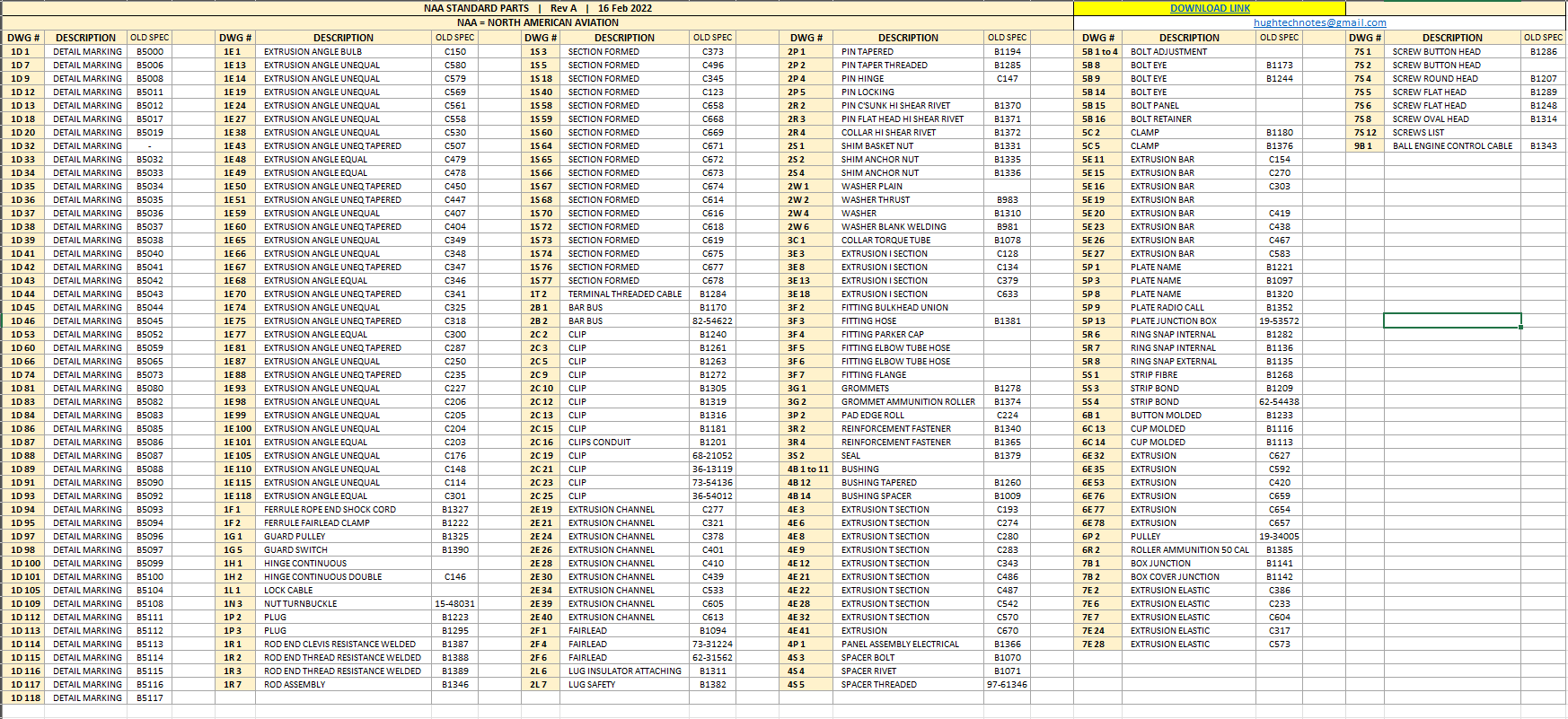
Many of the standard parts called up on this assembly use the early standard references. These are typically prefixed with “B”, like B1009, B1135, etc. These standards were later updated, and a new series of standards replaced them. I have correlated these in a spreadsheet, as shown below.

The spreadsheet only lists the standards that are available in the blueprint archive and may not be a complete record. For a more comprehensive listing, refer to the Erection and Maintenance instructions for the P-51A series (T.O. No. 01-60JC-2). Check the Conversion lists from pages 404 onward.

The CAD development of the Quadrant Engine Control is still a work in progress…created to the exact original dimensions.

My plan for the P-51 is to further develop the instrumentation for the early and later versions.

P-39 Update and Standards:

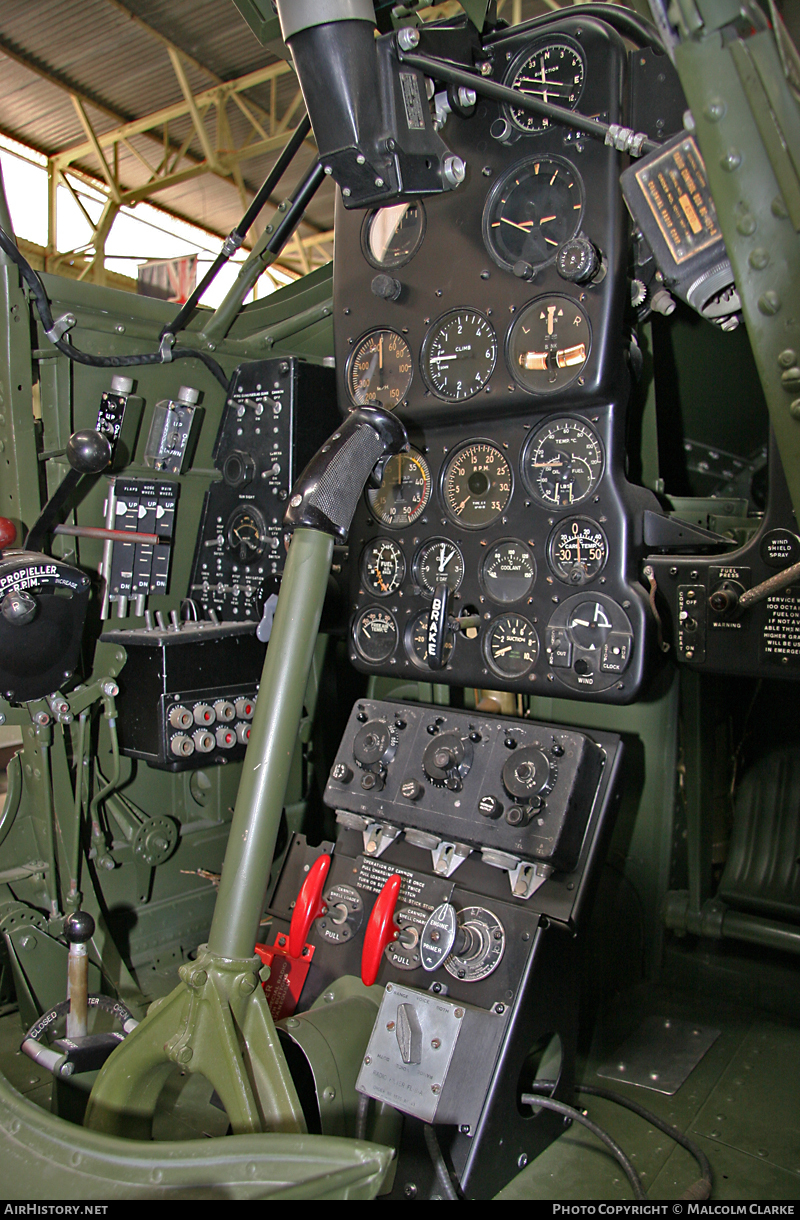
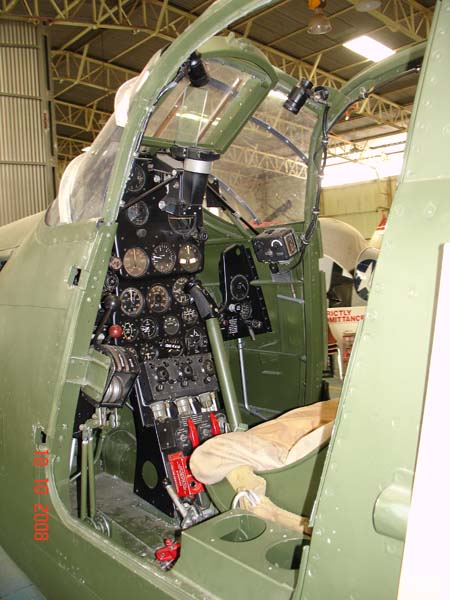
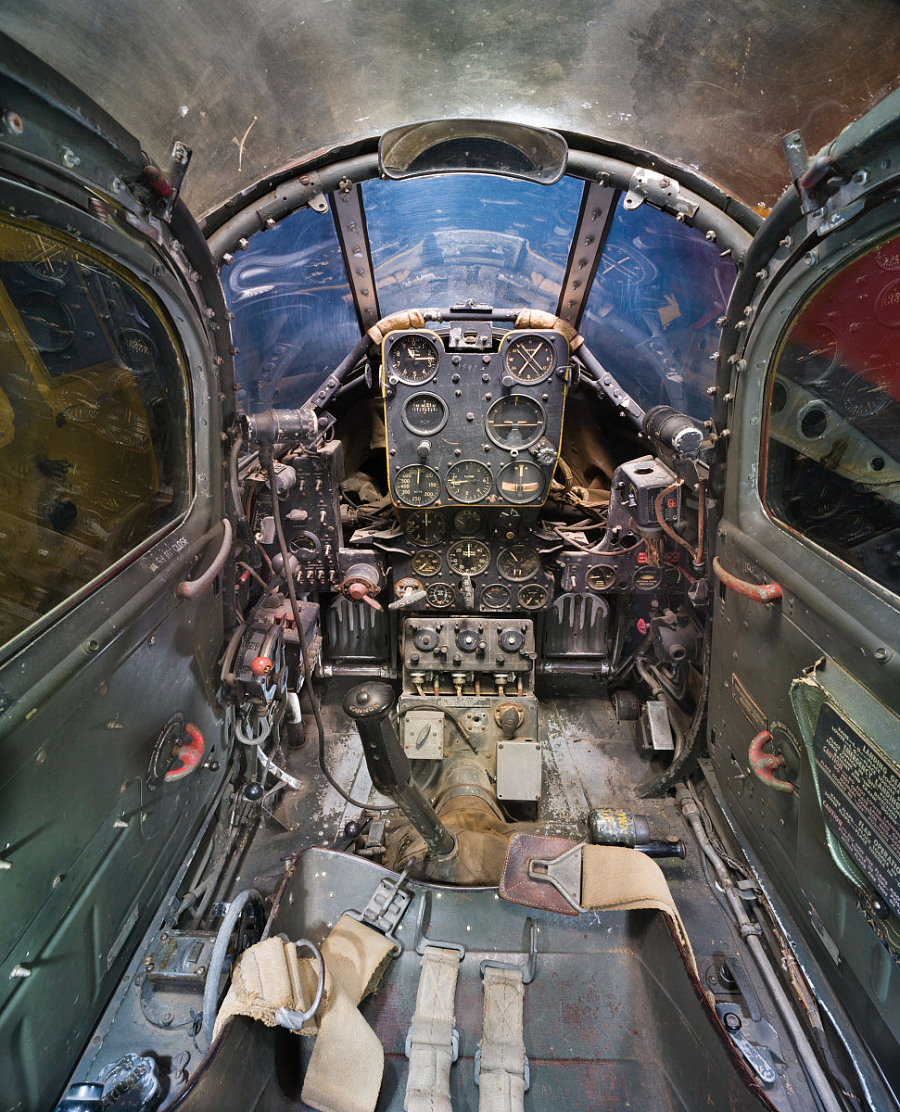
Over the last few months, the P-39N Restoration project has been my primary focus. We are close to completing the CAD work for the Cockpit instrumentation.

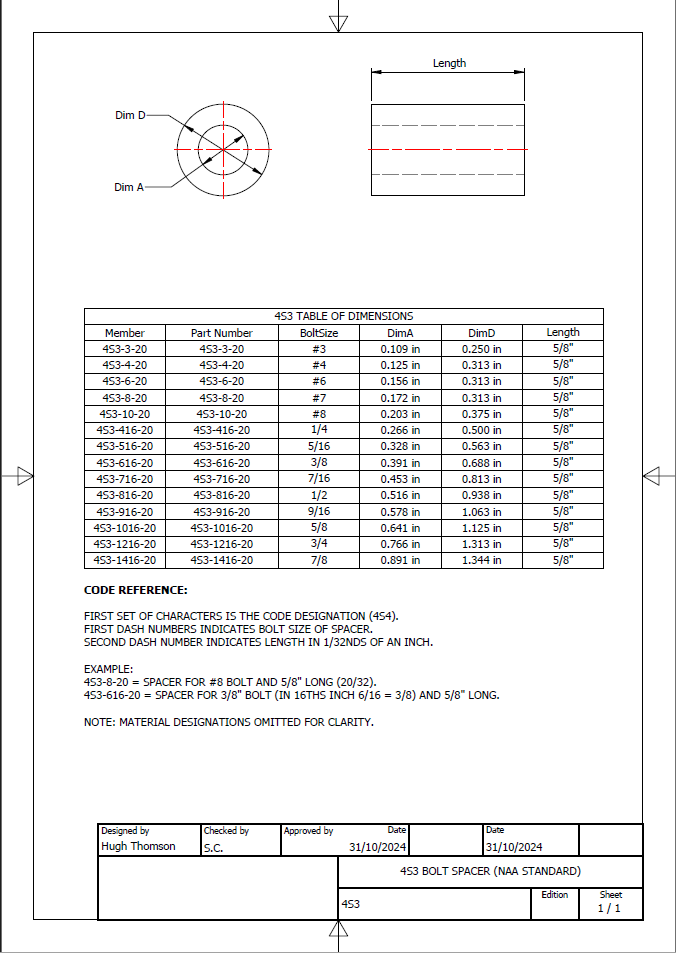
By contrast to the P-51 Mustang, we don’t have the same collection of Bell Standard part blueprints. We only have what is available within the manuals. However, the notations for the parts are similar for the industry as a whole. For example, a Spacer Part noted as Q065-6-20 shares the same notation for the dash numbers as the P-51 (standards 4s3 and 4S4). This in turn will define the spacer size…the first dash number sequence indicates the bolt size and the second is the length. In this case, it would be #6 bolt size. The length is defined in 1/32nd inch, making it 20/32″ (5/8″) long. This table derived from the iPart feature explains the designations in more detail.

The next time you come across a part reference you are unsure about, cross-reference it with other aircraft-known standards. Also, consult the comprehensive collection of AN and MS standards on Everyspec.com.

Aviation Photography

Aviation Photography:

I mention in my Bio that I used to indulge in Photography which I got into in the late 70s. In those days it was mainly portraits, fashion and hairstyles…I did okay and had many images published at that time. I ventured into many fields of photography throughout the years; including industrial; which of course was an advantage for me also working as an engineer…I had ready access to exciting material.

Photography though was always a part-time interest, something I was passionate about but not something I pursued commercially after my stint in the late 70 and early 80s (even then only part-time). Actually, when I got married and had kids the focus was entirely on them; which of course was amazing times. I photographed everything and everywhere we went as a family…great memories.

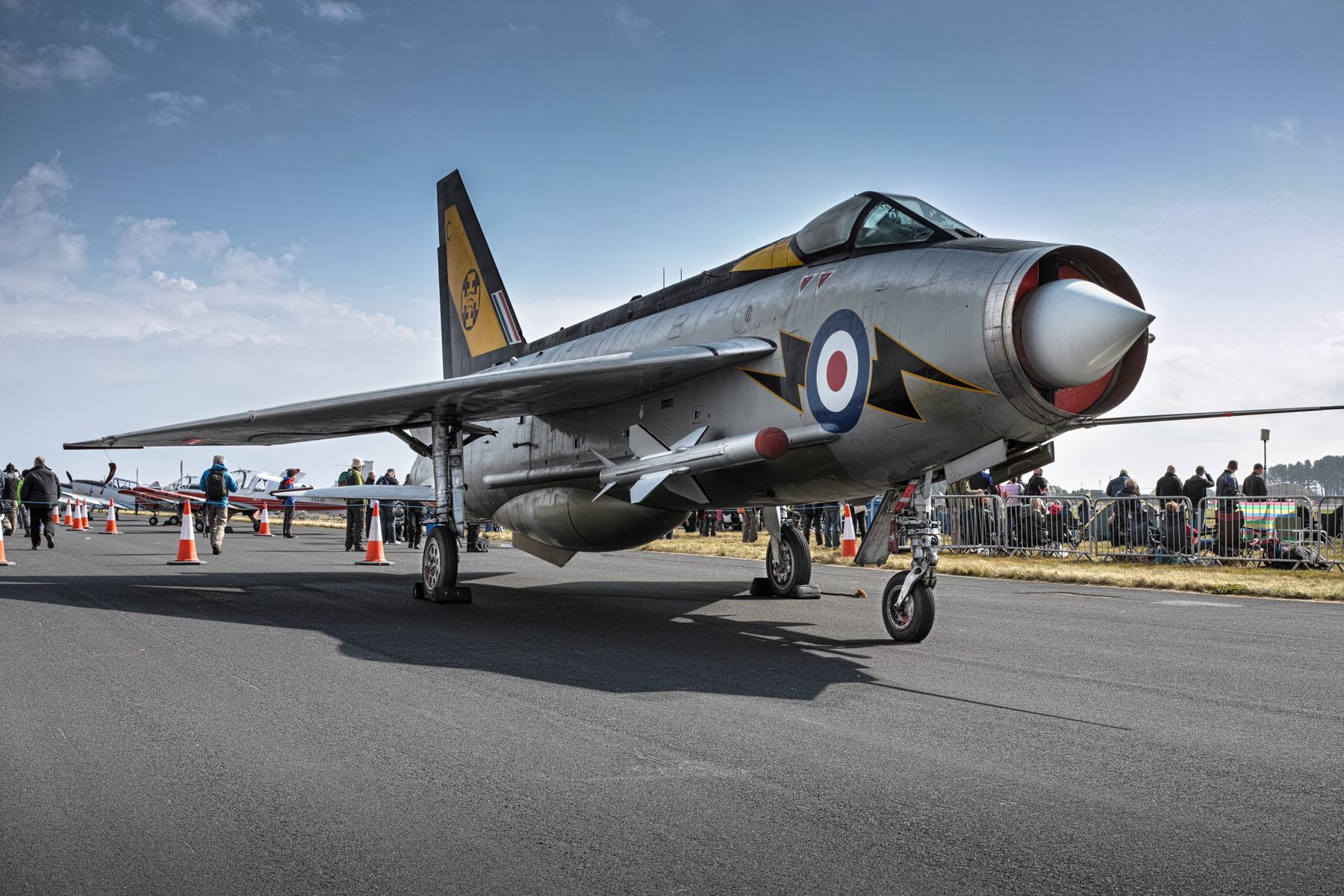
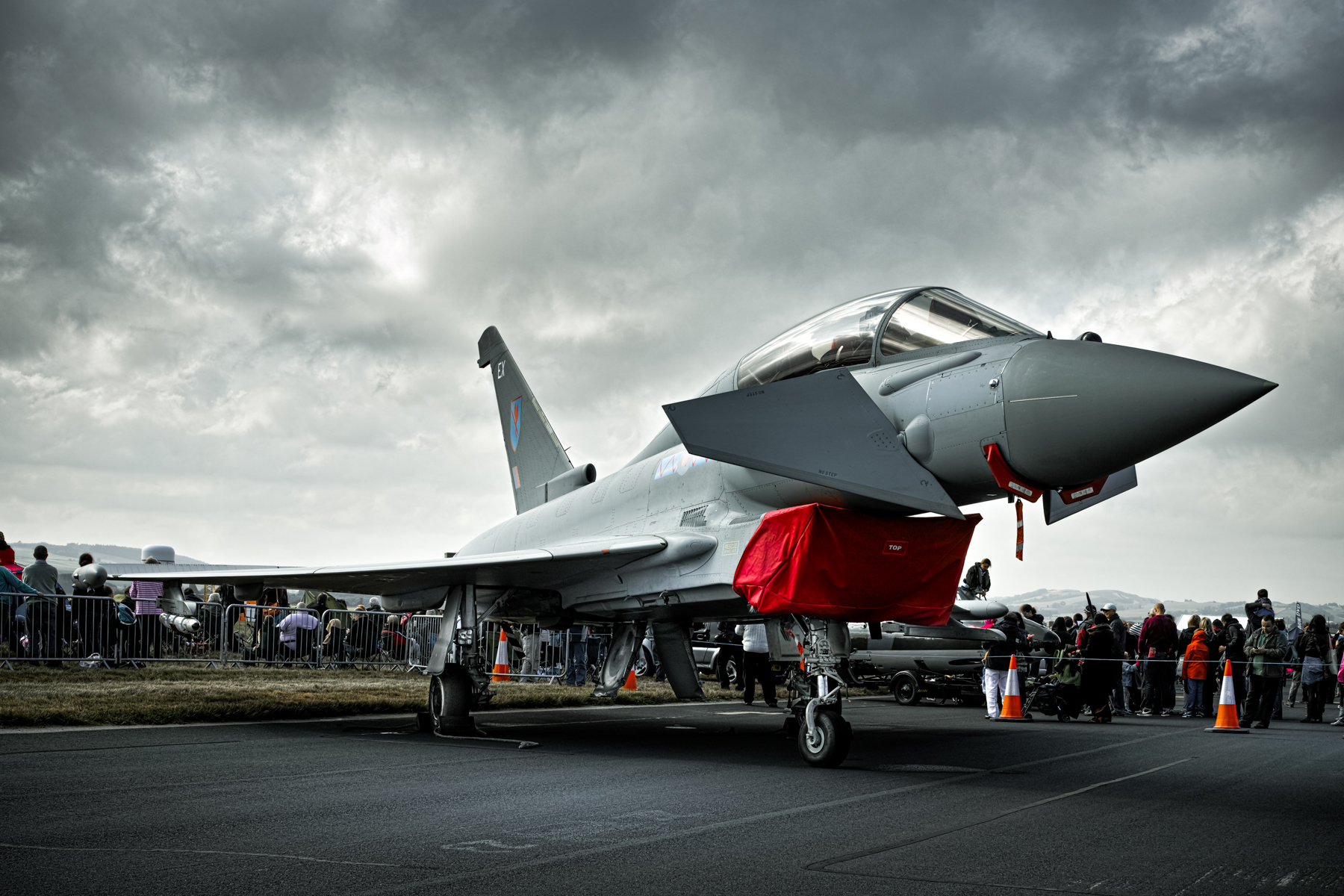
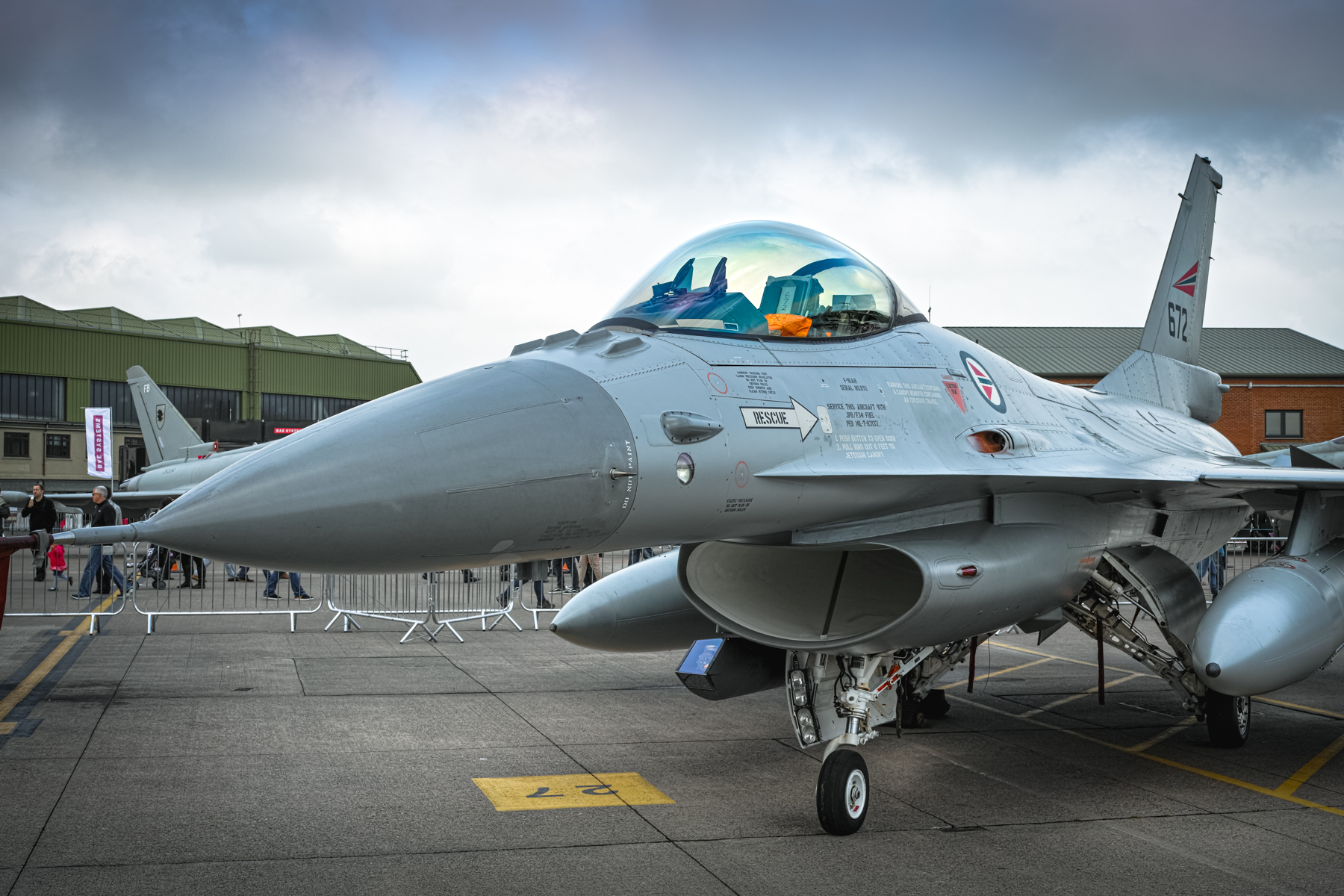
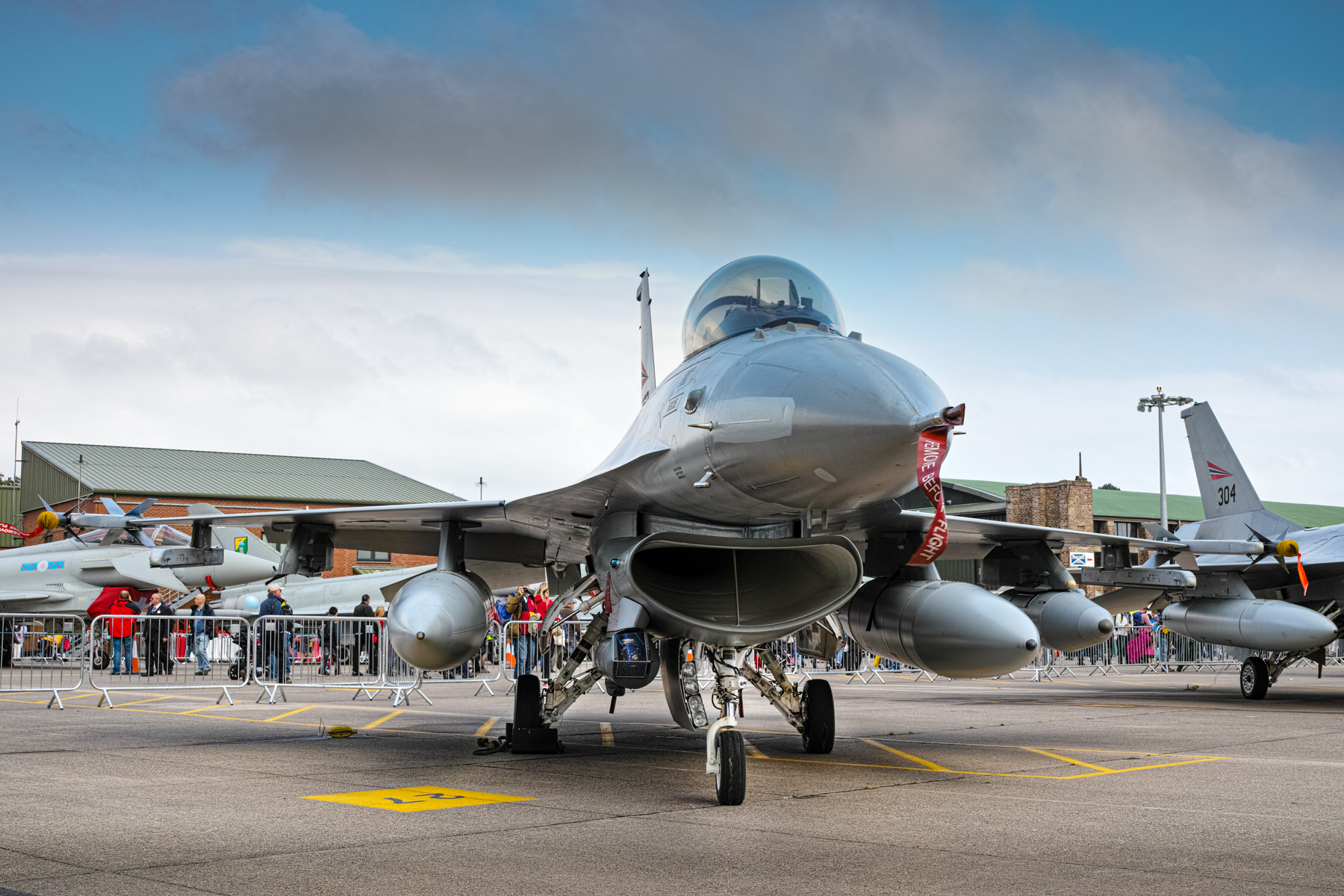
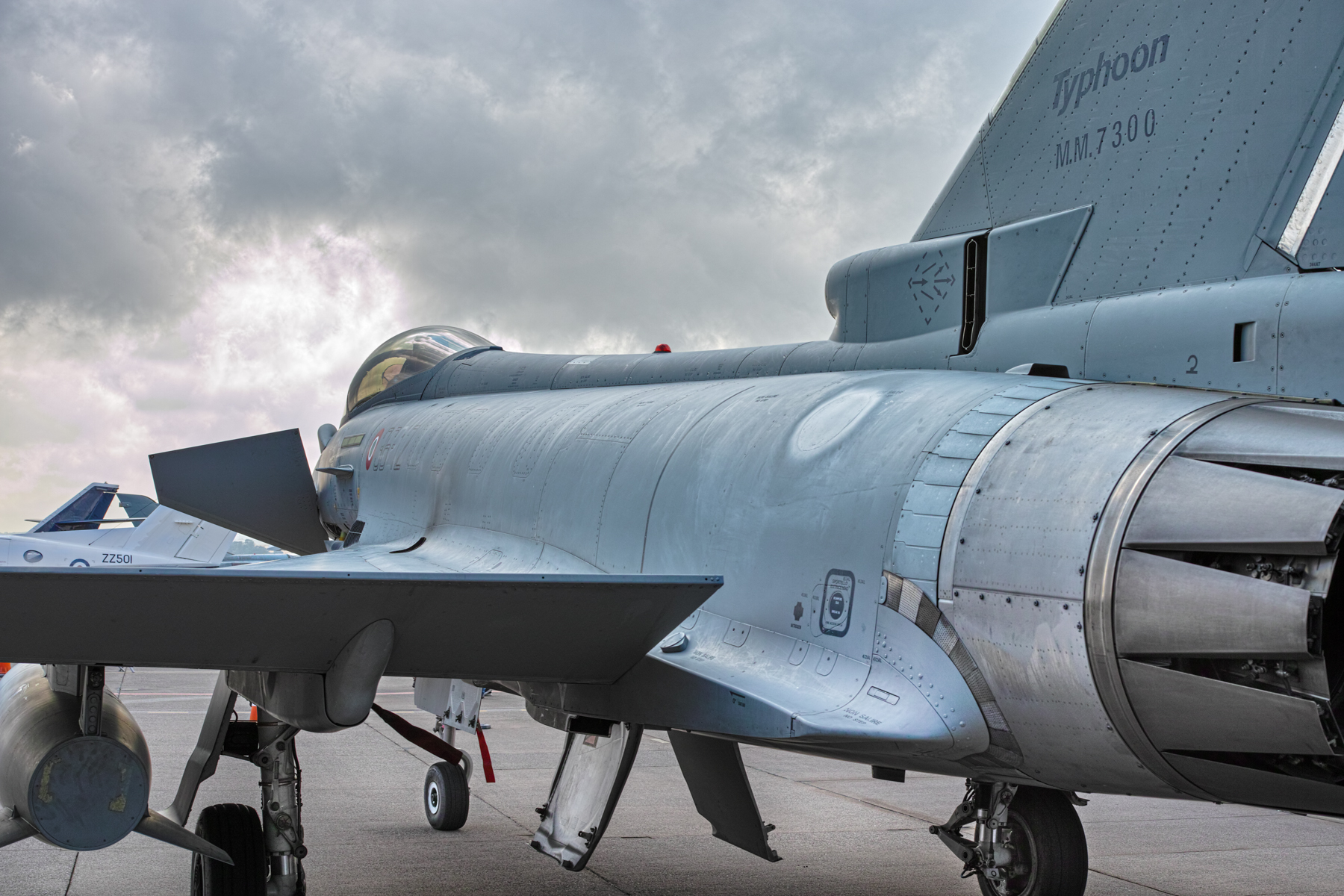
I also enjoy photographing aircraft. These were taken at RAF Leuchars in Fife, Scotland at the last ever International Air show before the base was transferred to the army in 2015. These were all taken with the Sigma DP2M camera…one of the Foveon sensor range of cameras. The Sigma camera was legendary for the incredible detail they could capture, though admittedly they were a real pig to use!

I will look through the archives and process some more and include them in future articles here. I have these online and are available for download here…full-size images (roughly 4704×3136) in Jpg format.

Aviation Photographs Download Link

New Project: Standard Part Libraries

New Project: Standard Part Libraries

Many moons ago I started a project to develop libraries of Aeronautical standard parts according to the various National and International standards pertinent to aircraft design and maintenance noted in this article.

https://hughtechnotes.wordpress.com/2015/07/26/naa-p-51d-mustang-standard-part-models-specs/

Using the original standards from the wartime era and the updated, often replacement standards, I figured it would be a good idea to develop this project further. I am aware that there are many different CAD systems so it would be folly to just develop this for just one product.

The above products are currently available in the Resources Tab of this blog and though included with the Mustang P-51 Ordinate/CAD dataset are standard for many aircraft of this era and accordingly are available separately. This existing collection is already very comprehensive with over 300 parts modelled and listed, though these are in line for an overhaul and update.

Moving forward with this project I will develop the configuration spreadsheets exactly as per the original specification tables set out plus any additional dimensional data that will be required for modelling. This will be accompanied by a DWG file as a template to use when developing your own equivalent of an iPart. Essentially putting together a dataset that anyone can use regardless of what CAD system they are using.

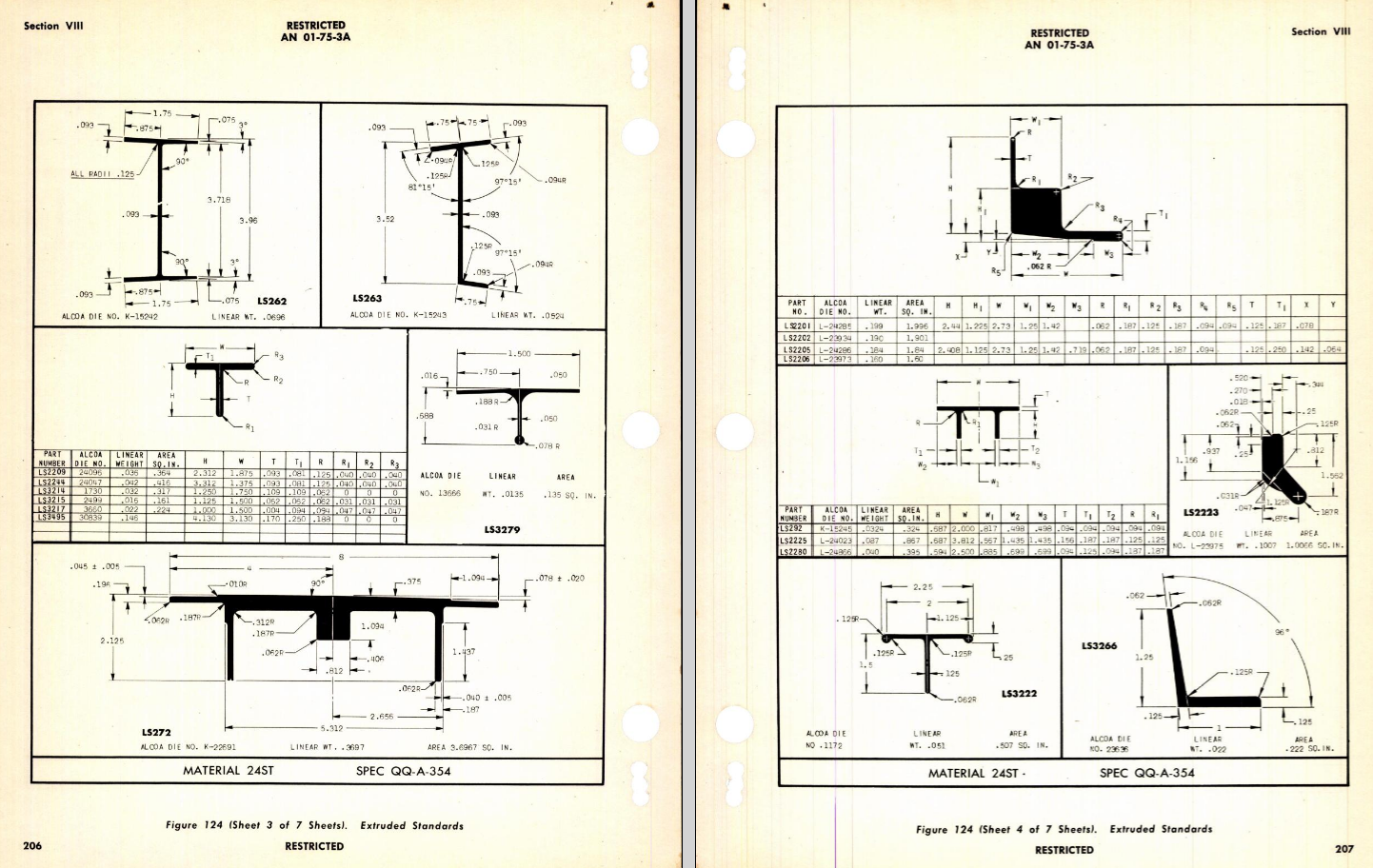
Additionally, standard metal work profiles will also be developed and produced in a similar manner.

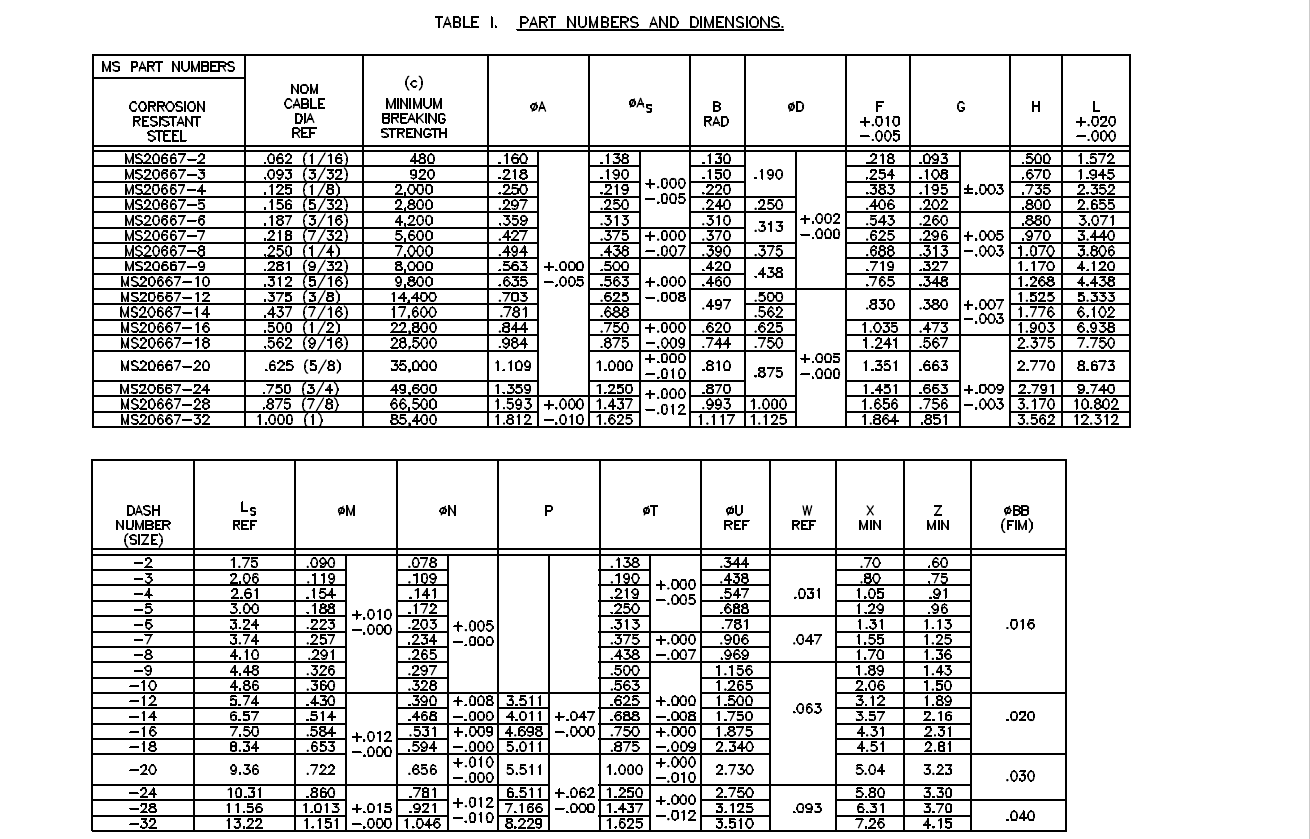
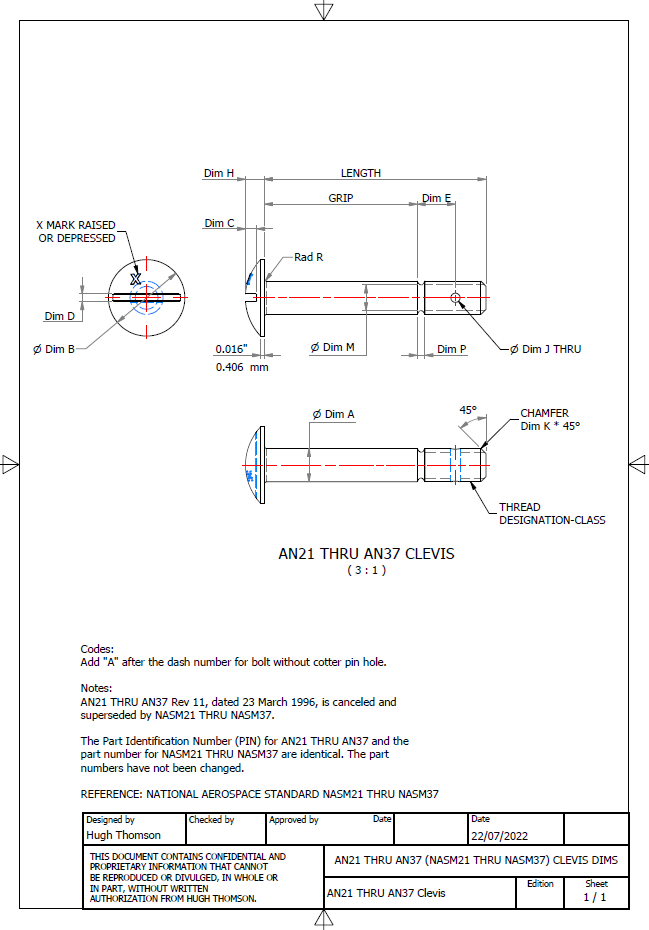
There is a catch: This will take a while to do and probably won’t be ready until October. Typically the study will comprise a basic dimensioned drawing exactly as per the reference Standard with accompanying spreadsheets. There will be separate spreadsheets for each part number in a collective Standard, though there may be only one drawing. For example AN21 THRU AN37.

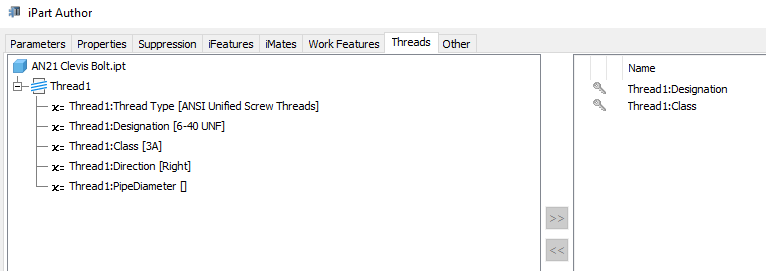
The way to use this dataset; regardless of the CAD system; is to first develop the part model naming the parameters as defined in the spec (you can use the DWG for your sketch template). In this example, the first 2 columns are generic to the specific CAD system with the first column being a unique value. From LENGTH to Dim P, in the table, these are the main geometry parameters. The Hole1 column has values “Suppress” or “Compute” which is an instruction to exclude or include the hole. The Thread parameters are defined as a Designation and Class which are standard integral parameters; those names may vary accordingly. Typically in Inventor, they can be found in the iParts Author as follows:

Once you have your Part modelled, open the iParts author and set up the first line of the table…you just need the first line at this stage Close the Author and open the table in Excel and copy the contents of the provided spreadsheet data tables above… ignore the header/titles. The iPart table will now be updated with all the above variations. It does not matter if your part template is Metric or Inches as the part dimensions are predefined as inches and will automatically recalculate depending on your template standards. You can of course already do this with the existing iParts but they are not inclusive of dimensioned drawings…so you have a bit more work to do referencing the actual standards for parameter names. That’s what this project work is designed to do…essentially finish with full documentation.

These spreadsheets and CAD profiles will enable anyone to very quickly develop a standard library in their own CAD system…an important resource and time-saving endeavour. I should note the actual AN and MS standards are available online for anyone that wants to access them. I have provided a link below to my previous article on this subject.

https://hughtechnotes.wordpress.com/2022/02/17/technote-manufacturers-standard-parts/

Update 27th July 2022:

Blimey, this is quite an awesome task…I envy those that build the standard libraries in the many CAD systems that contain thousands of parts…this will definitely take a long time.

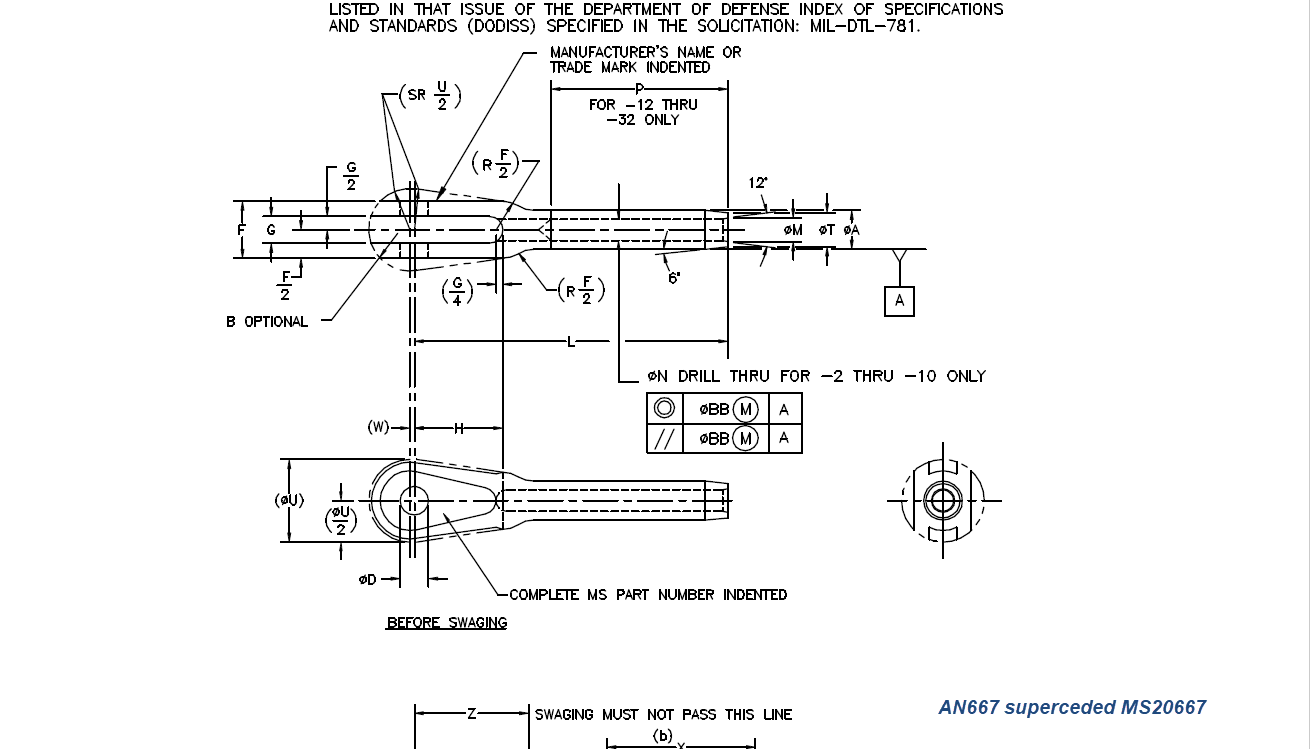
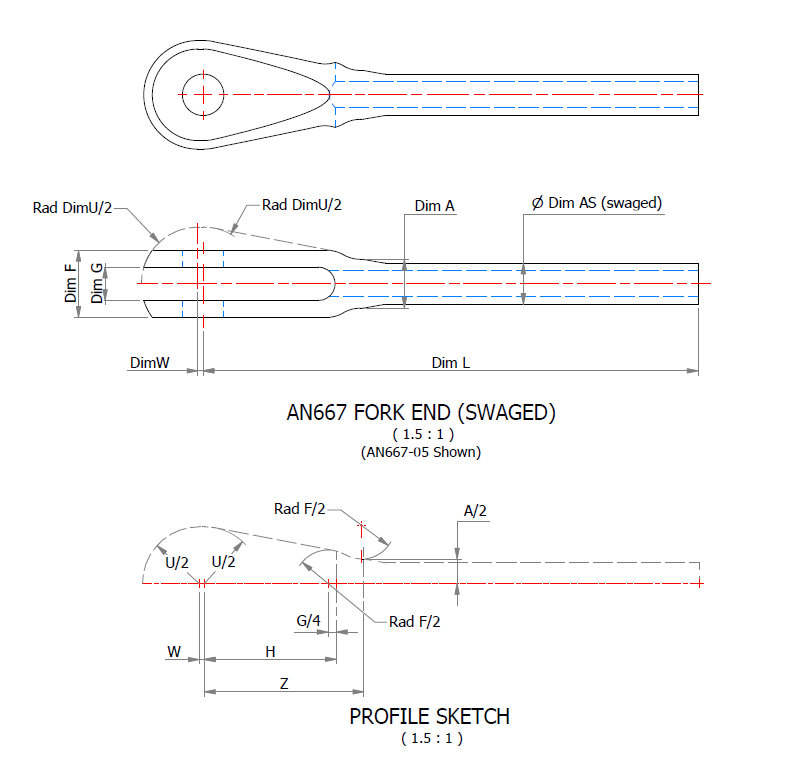
Many of the parts are relatively straightforward like Bolts, Castle Nuts, Clevis Pins etc that require nothing more than basic dimensioned drawings. Occasionally though many parts will require additional sketches to clarify the profiles, like this AN667 Terminal Fork End. Also in similar cases, the model will be dimensioned to As-Fitted/Swaged for use in assemblies. You can basically ignore the Scale as all the DWG versions of these drawings will be 1:1 according to the part number actually modelled.

This is a list of the Specifications I am currently working on. Many of these are updated versions of the existing standards available on the CAD Resources page. The updates include marginal improvements to the 3d models, additional data and verification of listed dimensions. The data sets also include dual part numbers where an item has been updated to a newer standard the new designation is noted alongside the old.

It is very important to get this stuff right, to ensure the part designations and representations are correctly defined in the assemblies. Have you ever tried to figure out assembly configurations from the NAA assembly drawings or picked your way through the Parts catalog just to identify a single connection for a clevis, nut and bolt, turnbuckle or whatever…it is time intensive. It was this desire to bring clarity to these assemblies that I created the P-51 Mustang cad models shown below, which incidentally was the catalyst that drove the development of these Part libraries.

Get in touch with any inquiries at the usual email. hughtechnotes@gmail.com

3D Printing: P-51 Tailwheel

3D Printing: P-51 Tailwheel:

I’m back after a few months dealing with a difficult period of my life. I would like to take this opportunity to thank those that stepped up to the challenge and supported me through this time.

Many moons ago I developed a series of CAD models for the P-51 Mustang Tailwheel mechanism initially to study the mechanical operations and also to clarify an otherwise obscure area that is not clearly defined on the NAA drawings.

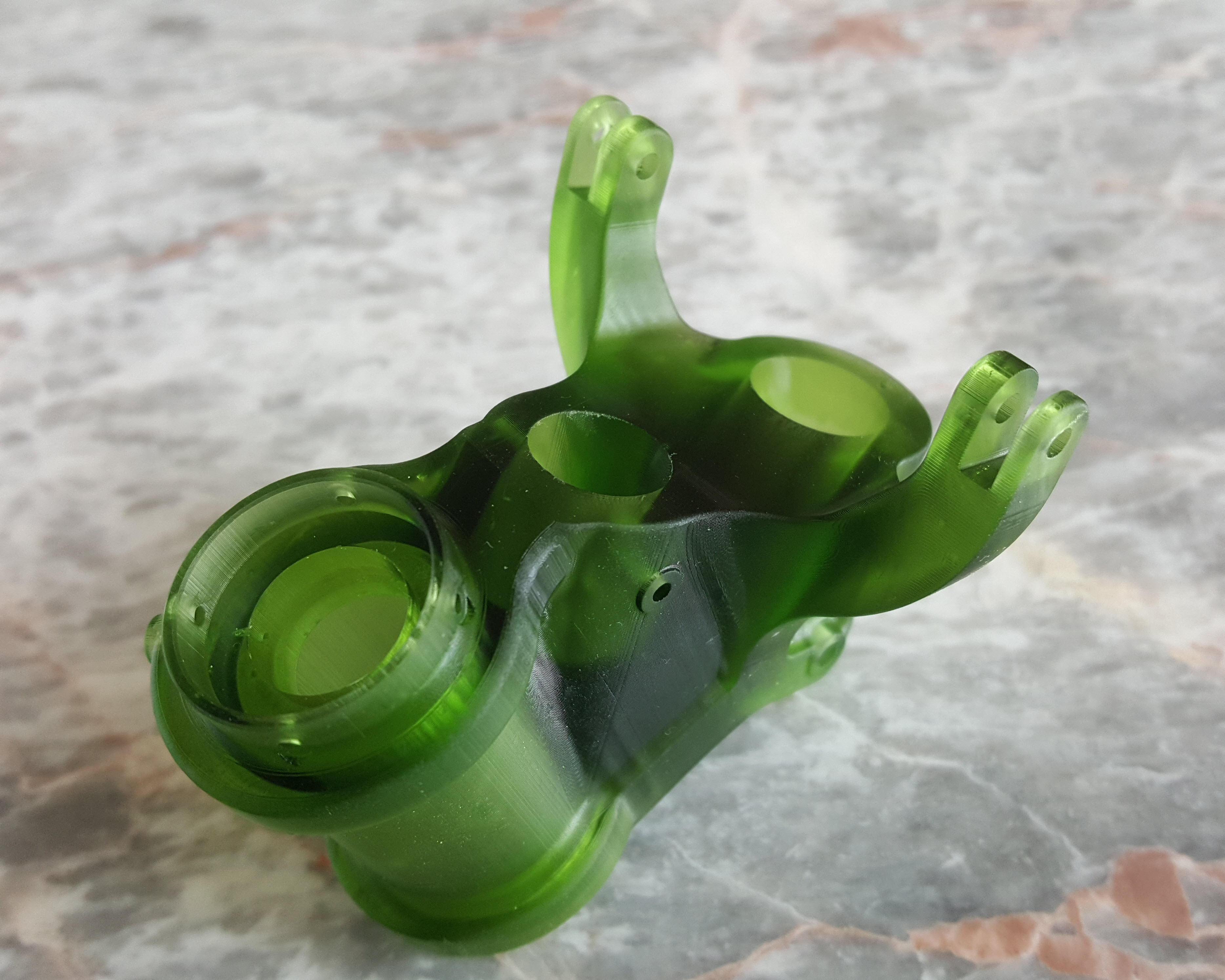
At the beginning of 2021 I had the good fortune to obtain an Elegoo Mars pro 3D printer which just sat in the cupboard until now. Getting my life back on track I unboxed this and setup for my first print which invariably had to be one the many CAD models from my research. The part selected is the Housing for the Tailwheel spindle. Part # 73-34004.

These parts are accurately modeled from the NAA drawings so I was unsure how well they would print at 1:4 scale particularly the thin wall elements.

The first image shows the preparation using the Lychee Slicer program with the layers set to 0.05mm. I added a generous amount of supports to maintain the print integrity using the Auto support feature with a few manually added for good measure. The Resin I used was the Elegoo Water Washable Green which has worked very well. I am rather pleased with this print as I had read many horror stories of problems that folks encountered with this type of immersive printing which made me a tad anxious before I eventually decided to take the plunge.

This printer is capable of printing with a layer height of only 0.02mm which is quite extraordinary but as it took 4 hours to print this model at 0.05mm I doubt if I will venture to printing at a finer pitch as the time would be excessive. I don’t plan to print all the Tailwheel components as my budget for resin is limited but I will print a few more to determine the limitations; if any; of resin 3d printing.

Talking about the future I should note that I am currently sourcing new material for the P-51 Mustang and hopefully to start a brand new project for the F7F Tigercat.

If you are interested in the Tailwheel models check out the bottom section of this post for details.

On a personal note it is good to be back working on these projects and please do not hesitate to comment or drop me a line with any queries. hughtechnotes@gmail.com.

NAA B25 Mitchell: New Project

NAA B25 Mitchell: New Project B-25B,C,D

CaptureE

The North American B-25 Mitchell is a medium bomber that was introduced in 1941 and named in honour of Major General William “Billy” Mitchell, a pioneer of U.S. military aviation. Used by many Allied air forces, the B-25 served in every theatre of World War II, and after the war ended, many remained in service, operating across four decades. Produced in numerous variants, nearly 10,000 B-25s were built. These included a few limited models such as the F-10 reconnaissance aircraft, the AT-24 crew trainers, and the United States Marine Corps’ PBJ-1 patrol bomber.

This project will be another research and study effort to develop the ordinate datasets similar to the P-51 Mustang project. The ordinate data is compiled from drawings, reports, manuals, documentation and correspondence so it does take a long time to do.

For example. the above spreadsheets show the work process, starting with recording the ordinates exactly as set out on the NAA drawings. In this case, the original ordinates are in inches so a second table is created to convert this data to millimetres. The third table is the transposed version; retaining original formula cells; which is then used to extrapolate the actual X,Y,Z coordinates for input into a CAD system (the first 10 frames are shown).

B25 STRINGER

This table is the stringer ordinates which follows the same convention of recording the first table exactly as per NAA drawings then converting this to millimetres. The third step is slightly different; transposing the table data in 4 sections to align the data according to stringer number.

B25 Ordinates

This last table is for the wing center section. The process is similar to the previous tables with the main difference being the extrapolated X,Y,Z coordinates originate from the 30% chord. The actual location of intersection between the wing chord line and the wing reference line is calculated at 33%.

B25 WING CHORD

This is a lot of work just to get to this point I have spent in excess of 48 hours and I still have a long way to go. Once the frame X,Y,Z coordinates are listed they are then transferred to individual frames in the CAD system whereby they will be checked for accuracy.

There are a few ordinates that are illegible on the original drawings which will require further intensive research to determine.

To fully complete all the known ordinate spreadsheets for the B25 Mitchell I estimate will consume almost 300 hours of work. The P-51 Mustang set; created in a similar manner; was almost 3 times the number of manhours.

The end result is a comprehensive list of known coordinates that will generate the requisite fuselage, wing and empennage profiles within seconds in all major CAD systems…so it definitely is worth doing.

b25 mitchell ords

Fuselage total X,Y,Z points 2x 1043 = 2086

Wing total X,Y,Z points 2x 870 = 1740

Update 7th May 2020:

Continuing the development of the B25 Ordinate dataset I now have the majority of the wing rib profiles recorded. Some reconstructive work was necessary on the outboard ribs to obviate the poor quality of the original NAA drawings.

Every legible point is added to the spreadsheets and then meticulously created in the CAD system. Where information is unclear the cad extrapolated values are closely checked against the appropriate entry on the original NAA drawing to identify matching numericals or part thereof. Once I have consistency with the graphic output and the NAA drawing information this is then entered into the ordinate spreadsheet.

The attention to detail is typical of my approach to building these ordinate sets. Nothing is taken for granted and the primary reason why these datasets take so long to develop.

b25wing9

b25C Mitchell

Update 12th May 2020: Project Status:

  • Fuselage: Frame Ordinates and CAD Profile 100%
  • Fuselage Stringers: Ordinates and CAD Profile 30%
  • Inner Wing: Ordinates and CAD Profile 100%
  • Outer Wing: Ordnates and CAD Profile 100%
  • Rudder: Ordinates and CAD Profile 100%
  • Vertical Stab: Ordinates and CAD Profile 100%
  • Horiz Stab: Work in Progress.

Update 16th May 2020: Empennage:

Update 19th May 2020: Rear Fuselage:

B25 Rear Fuselage

Often it is necessary to pull together several resource documents into one drawing to better understand key datum relationships as I have done here with the rear fuselage.

Update 21st May 2020: All Done:

This is a good example of what the ordinate datasets are all about.

Making sense of this:

B-25 OUTER WING2

To develop this:

B-25 OUTER WING

The complete list of known ordinate points for the B-25 B,C,D Fuselage, Wings and Empennage are now recorded in a set of excel spreadsheets. A few additional drawings (PDF and DWG) have been created to further clarify the main datum points for aligning the main assemblies and a 3d Autocad drawing of full assembly profiles.

  • Fuselage: Frame Ordinates
  • Fuselage Stringers: Ordinates
  • Inner Wing: Ordinates
  • Outer Wing: Ordinates
  • Rudder: Ordinates
  • Vertical Stab: Ordinates
  • Horiz Stab: Ordinates
  • Nacelle Firewall: Ordinates

All enquiries please contact me at HughTechnotes@gmail.com

P-51D Mustang – Instrumentation Panel

P-51D Mustang – Instrumentation Panel

I have recently been working on updates to the Ordinate and Cad package (as noted in the previous posting) and also developing the Instrumentation panel assemblies for the P-51D Mustang.

What started out as a mere curiosity is actually turning out to be a fairly intensive project requiring a lot of research.

For the P-51D there are at least 4 variations on the main instrumentation panel for the early and late models. The U-shaped Support frame has 4 variations and just as many for the lower instruments panel set at 20 degrees to the main panel. It is important to get the correct combination of components for the various model numbers which is where a lot of my time is spent on the research.

Part of that research is, of course, getting the label text just right which is where I encountered a lot of frustration. The generic text font used on the Mustang and many of the contemporary aircraft at that time was the MS-33558. There is a TTF font available online for download but the design is not very good with problems of self-intersecting edges and spacing definition.

Military-Standard-MS33558ASGUsing this font in CAD systems will result in problems with embossing or extruding.

Typically I had to find out why, so I downloaded a copy of Fontforge to analyze the characters and identify the problems. Most of the characters are fine but there are at least 7 that have intersecting line problems. However, due to the nature of the font construction process, it is very difficult to identify the problem areas and thereby to devise a solution.

I spent a few hours looking into this but font development is a relatively new procedure for me and I did not achieve any satisfactory results. This I think needs an expert touch. I appreciate the work that was done in developing this TTF but please whoever designed it just a bit more attention to detail would have saved me a lot of work.

In the interim, I decided to use the closest font I could find on my system which was a default SolidEdge font that is similar in style. I had SolidEdge as a trial program a while back and thankfully it left the fonts behind when I uninstalled it.

Another small point worth noting is the color of the label text. The images above show the early P-51D version arrangement and you will notice in the bottom left corner of the first image is a selection of text in red. It is “EMERGENCY” with an associated note. The drawing states that this is RED on a black background but many of the photos I have seen of this particular version show the text in white. So the question is did NAA change this at some stage or is it just down to restorers’ preference?